Skip to content
2025 Android TV Live

Downloader TV Browser & Files

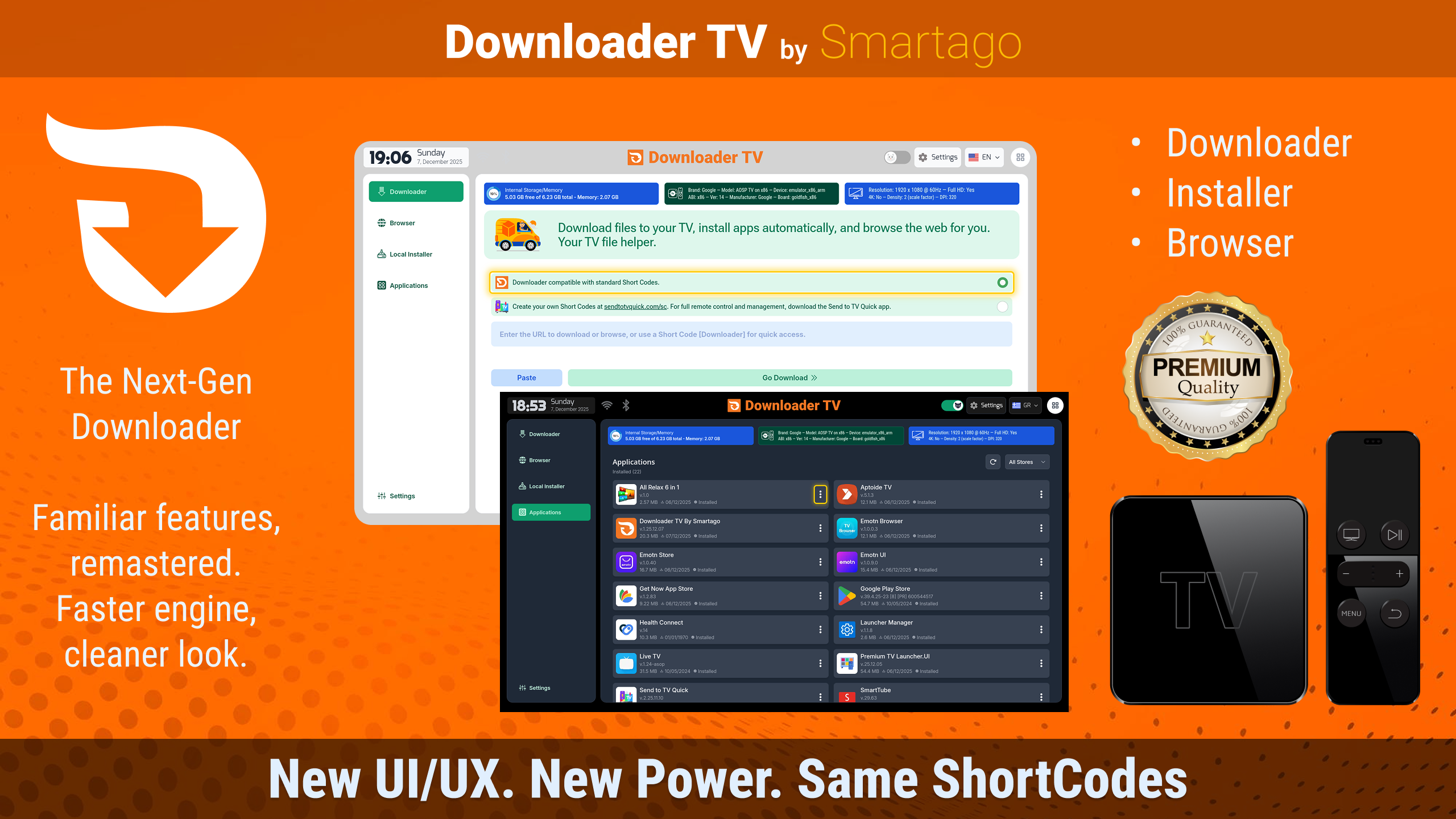
A modern, ad-free downloader and file manager built specifically for TV — a full remote-friendly web browser, resumable downloads, a robust file manager with USB OTG, and an advanced installer for split APKs, fully compatible with the popular Shortcodes system. Passed 100k+ downloads. Based on the client’s Figma designs and vision, I managed the entire development of this app.

100k+ downloads on Google Play
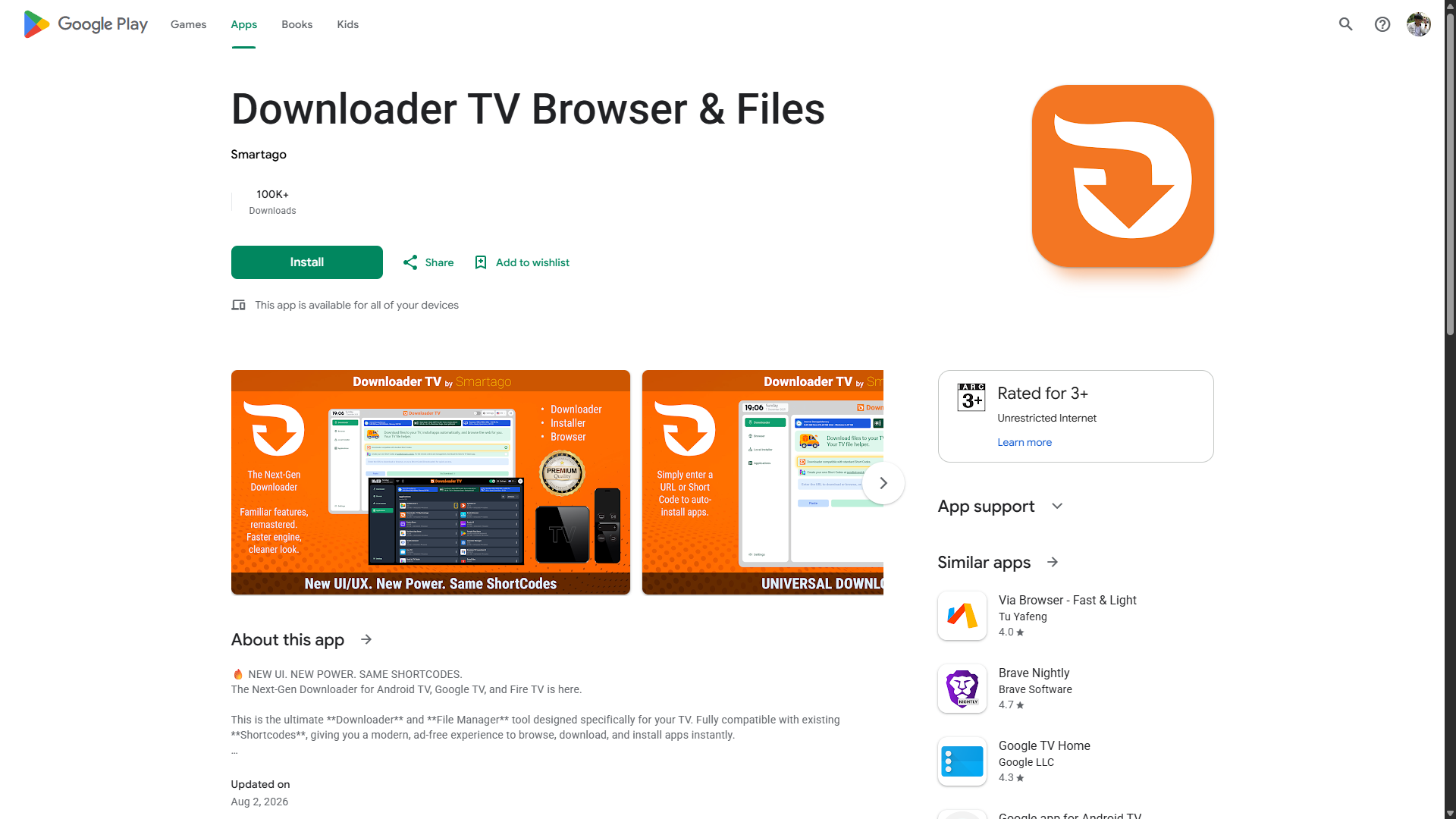
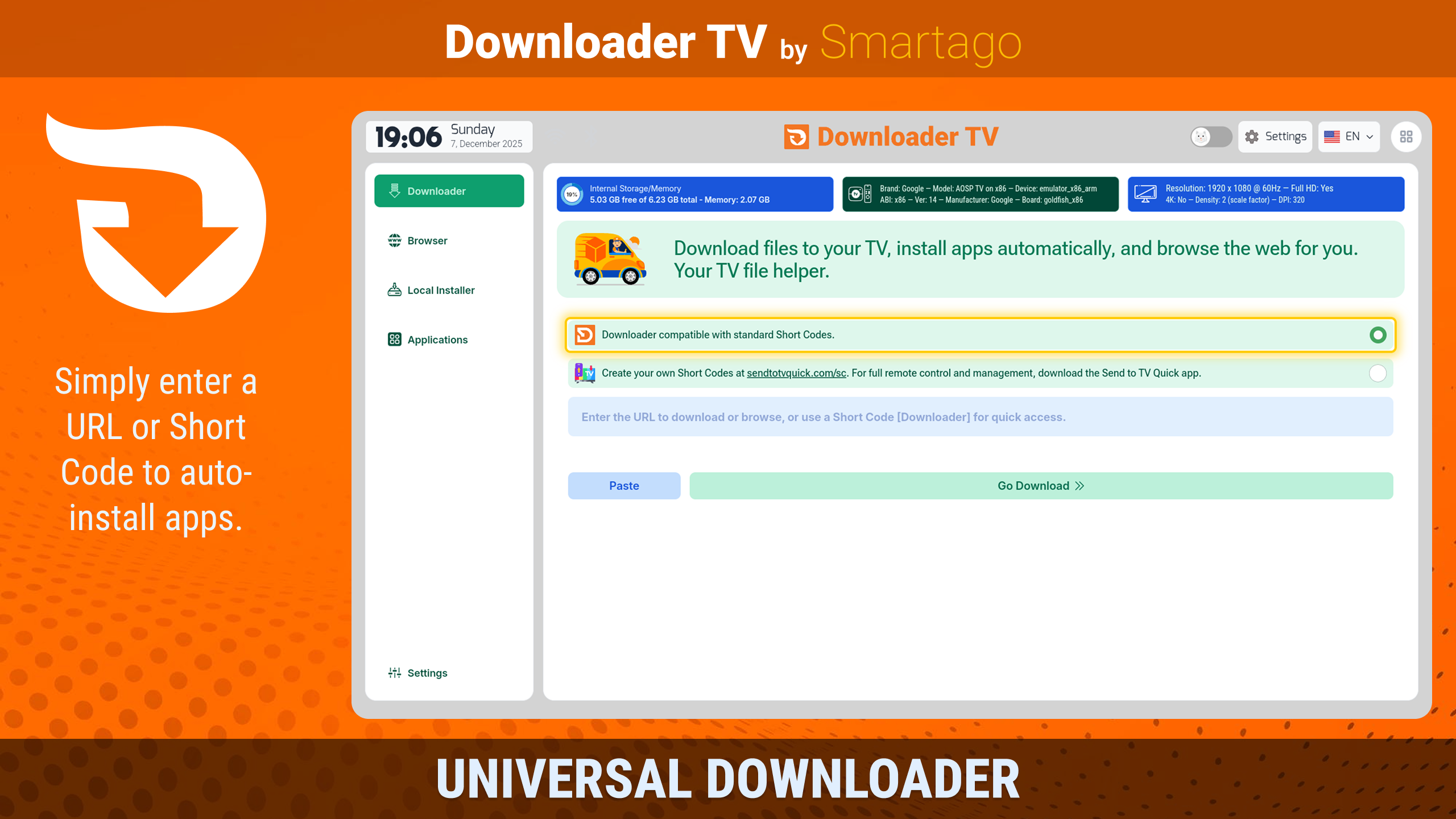
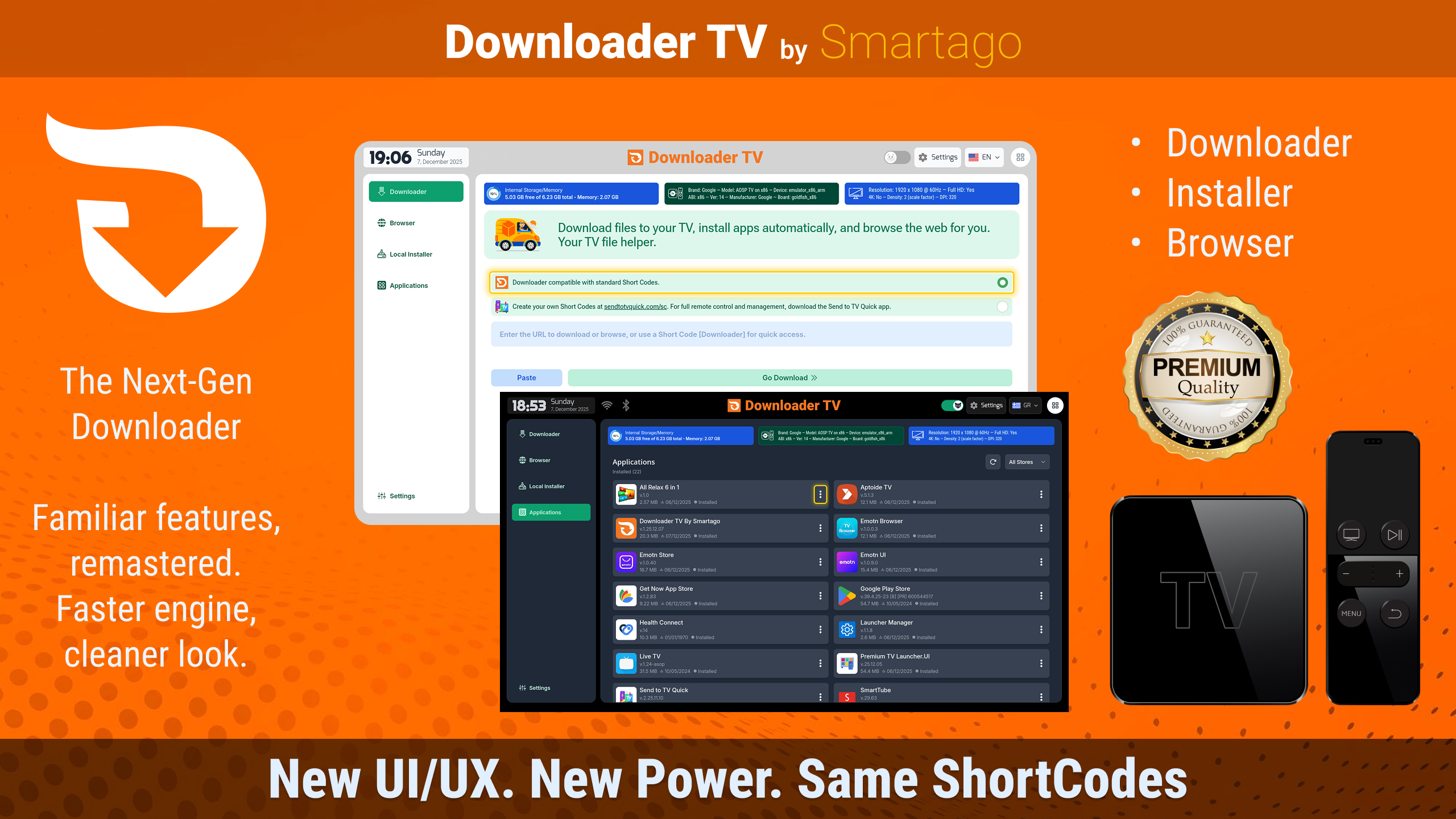
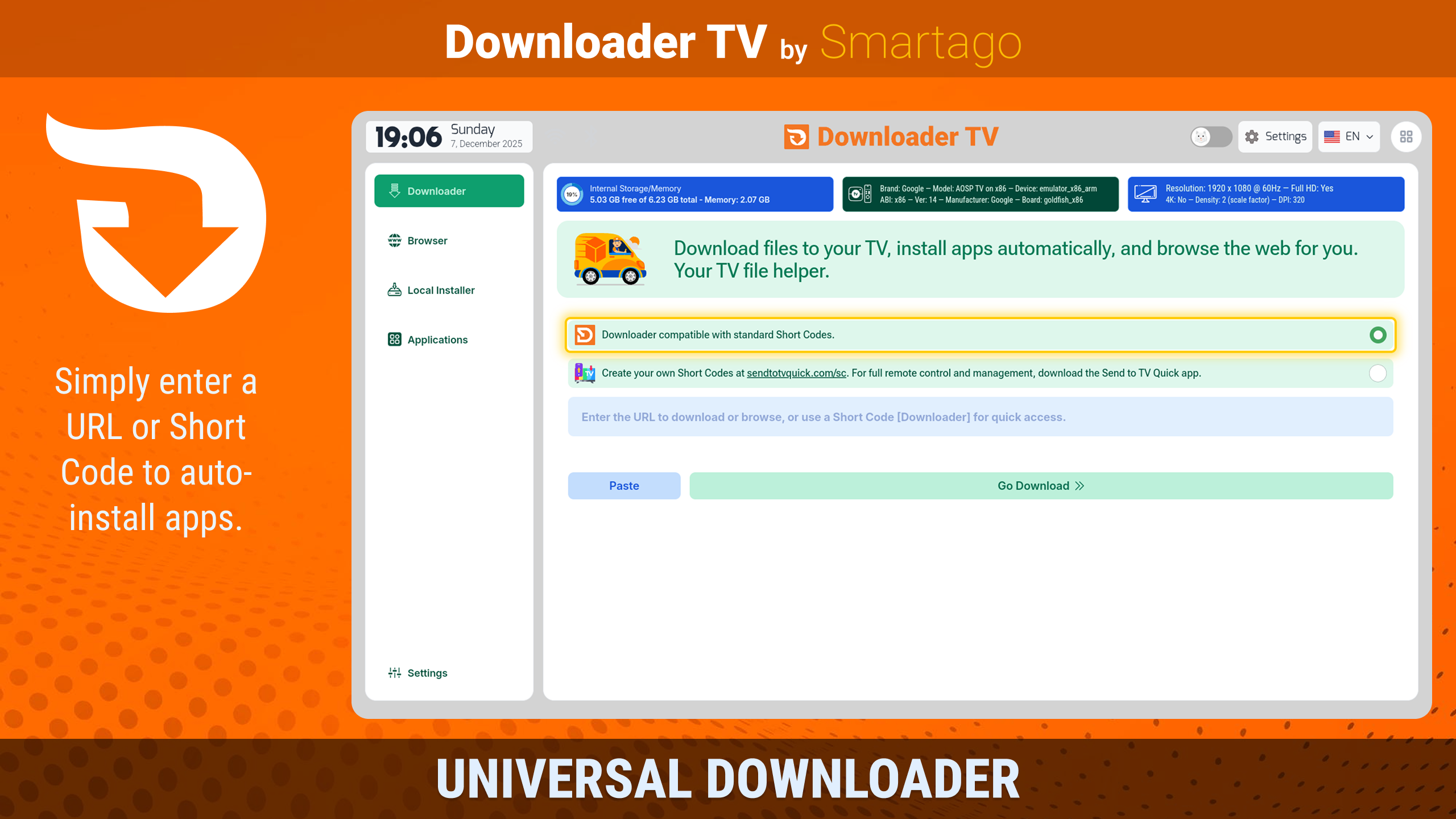
Downloader TV Browser & Files screenshot

The problem

Sideloading on Android TV, Google TV, and Fire TV has always been painful: classic downloader apps feel dated, show intrusive ads, and choke on modern package formats like XAPK and split APKs. Stock file managers are not built for remotes, and TV users have no clean way to browse, download, organize, and install apps from storage or USB drives.

The solution

A single ad-free utility that replaces the old downloader experience: a built-in web browser optimized for D-Pad navigation, downloads that resume after interruption, a full file manager (cut/copy/paste/delete, USB OTG), automatic detection of installable files, native XAPK/APKS/APKM support, an app manager with backup and uninstall, and full compatibility with the Shortcodes numeric-code system — every feature unlocked, no in-app purchases.

Key features

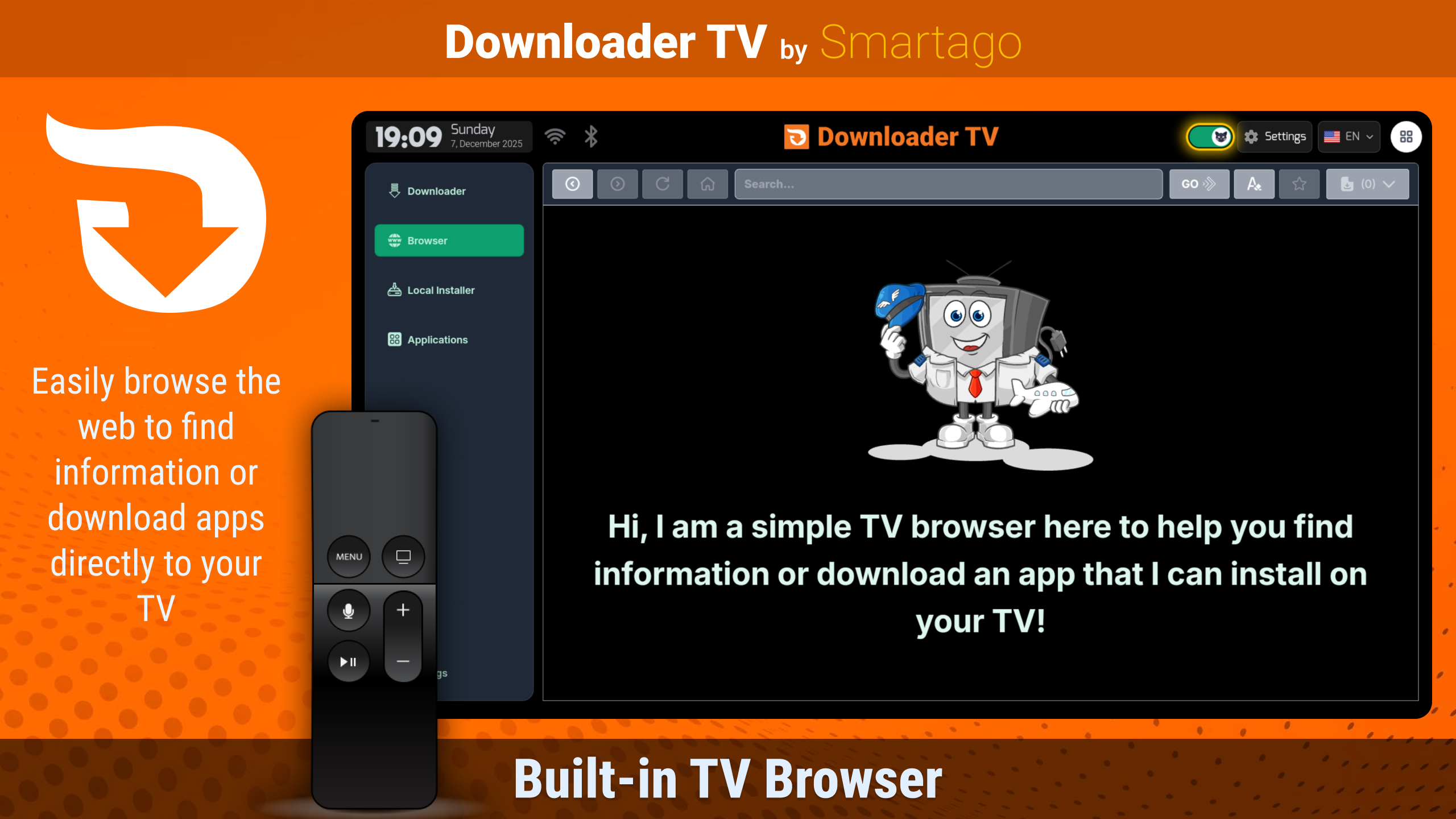
1 Full web browser optimized for TV remotes
2 Download files, media, and documents from any URL
3 Resume interrupted downloads and manage large files
4 Shortcodes support — type a numeric code and the download starts (drop-in replacement)
5 Advanced app installer with native XAPK, APKS, and APKM support
6 Auto-detects installable files on storage and USB drives
7 File manager with cut, copy, paste, and delete
8 USB OTG support for external drives
9 Cleanup tool — finds and removes obsolete installation files
10 App manager — view, uninstall, and back up installed apps (extract APK to storage or USB)
11 No ads and no in-app purchases — all features unlocked
12 100% D-Pad / remote-friendly interface
13 Modern orange-themed UI

What I learned

1 Play Store permissions — writing honest, reviewable justifications for MANAGE_EXTERNAL_STORAGE and REQUEST_INSTALL_PACKAGES
2 Split-APK installs and Shortcodes compatibility — matching an established ecosystem exactly
3 Resumable downloads and USB OTG file management on TV
4 Competing on trust — an ad-free utility in a category full of ad-heavy tools

Tech stack

Svelte 5 SvelteKit 2 TypeScript Tailwind CSS Vite Capacitor 7 (Android)

Screenshots

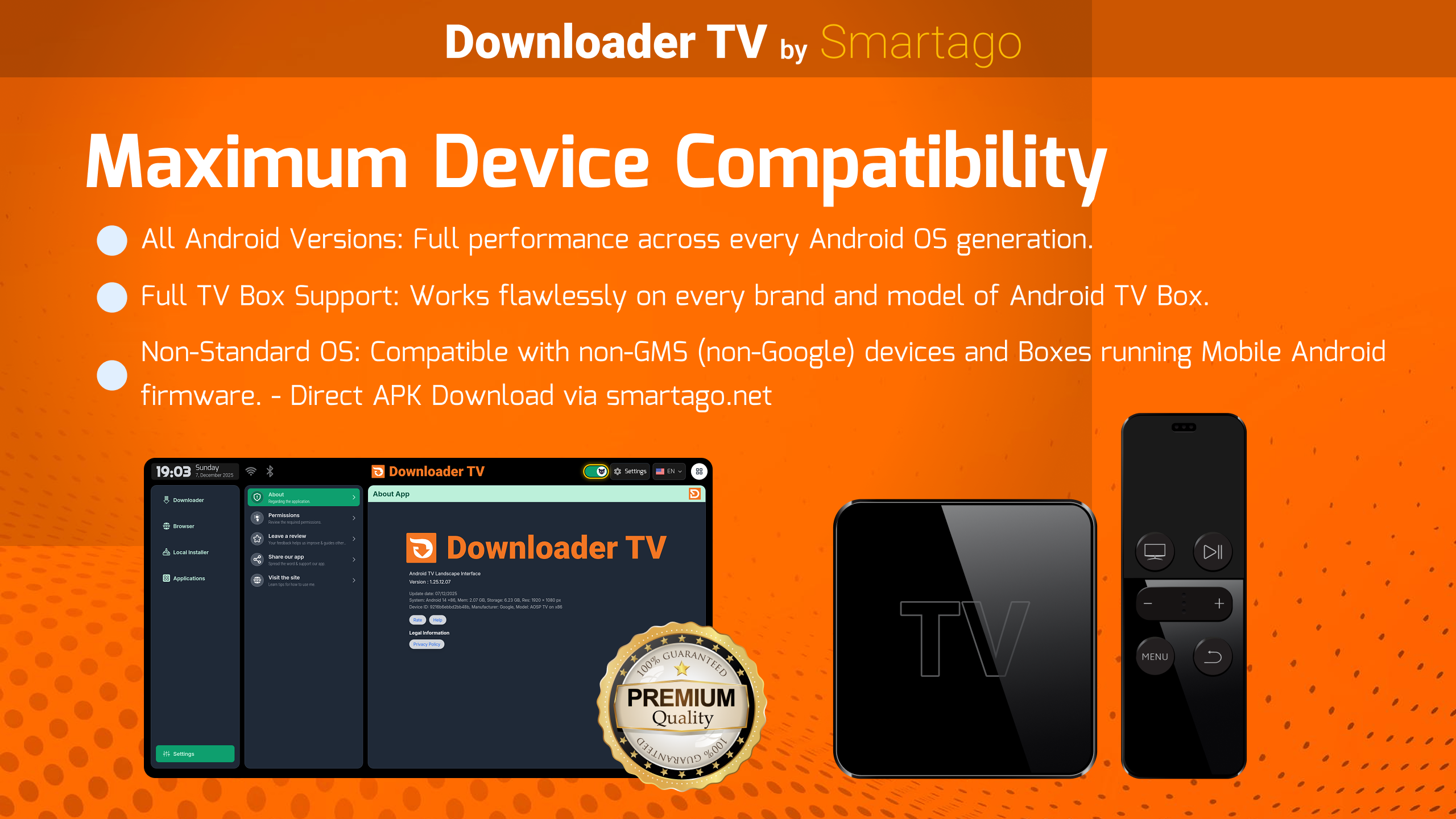
Downloader TV Browser & Files screenshot 1Downloader TV Browser & Files screenshot 2Downloader TV Browser & Files screenshot 3Downloader TV Browser & Files screenshot 4Downloader TV Browser & Files screenshot 5Downloader TV Browser & Files screenshot 6