Arben M. Apura
I'm a full-stack developer who builds production web and Android applications end to end.
Selected work
Featured projects
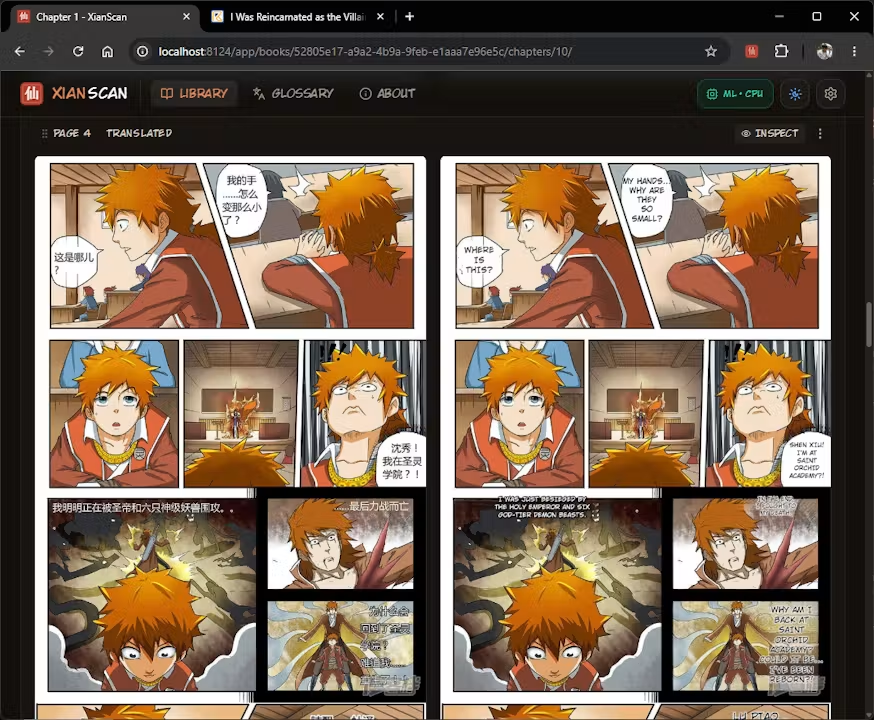
XianScan
Local-first comic translation studio combining speech bubble detection, multi-language OCR, context-aware LLM translation, neural inpainting, and typography layout in a standalone Rust binary.
Open-source translation engine with browser & Mihon extensions
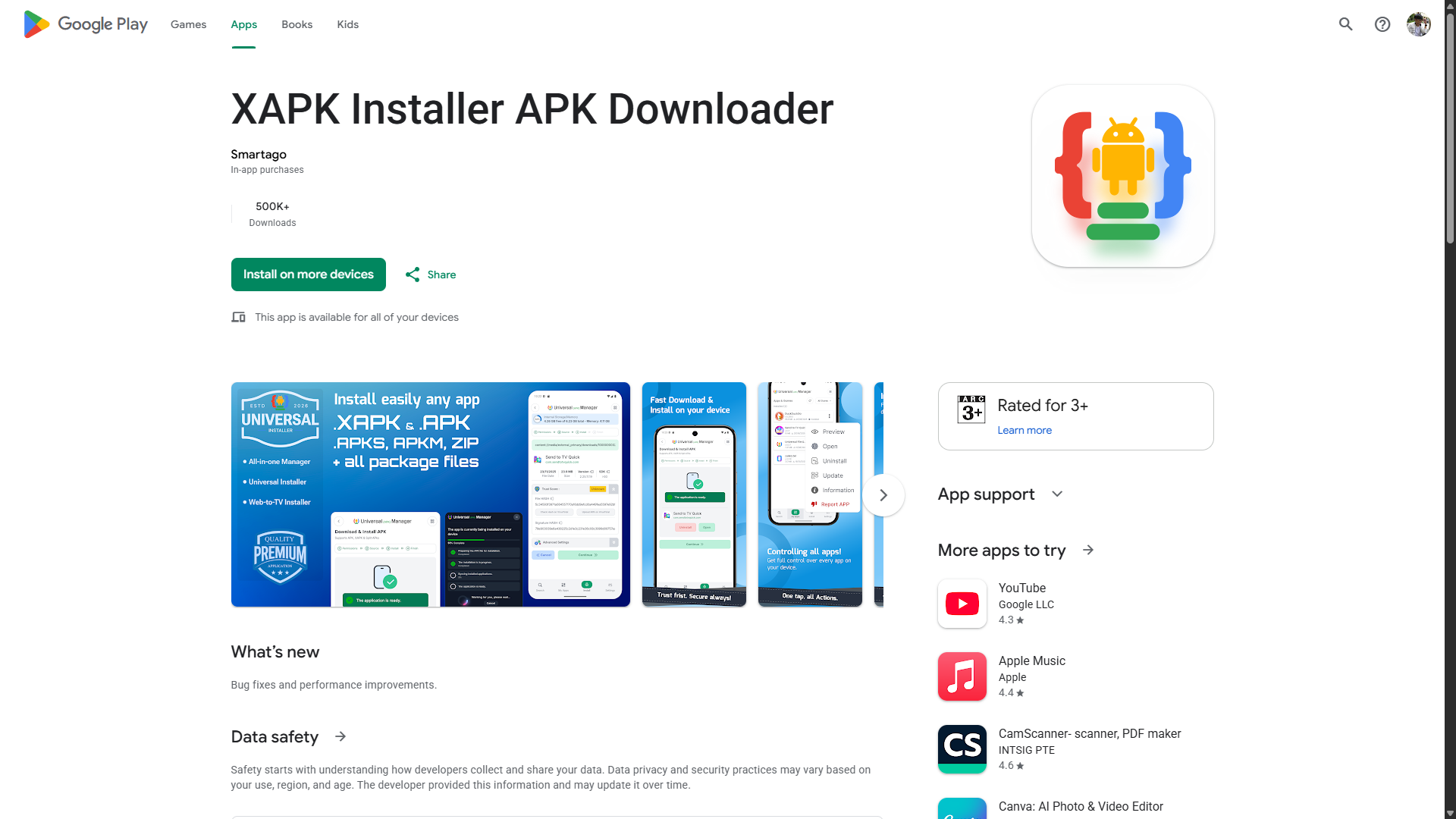
XAPK Installer APK Downloader
Universal Manager — install, sideload, and secure any APK, XAPK, or split package on phones, tablets, and Android TV.
500k+ downloads on Google Play
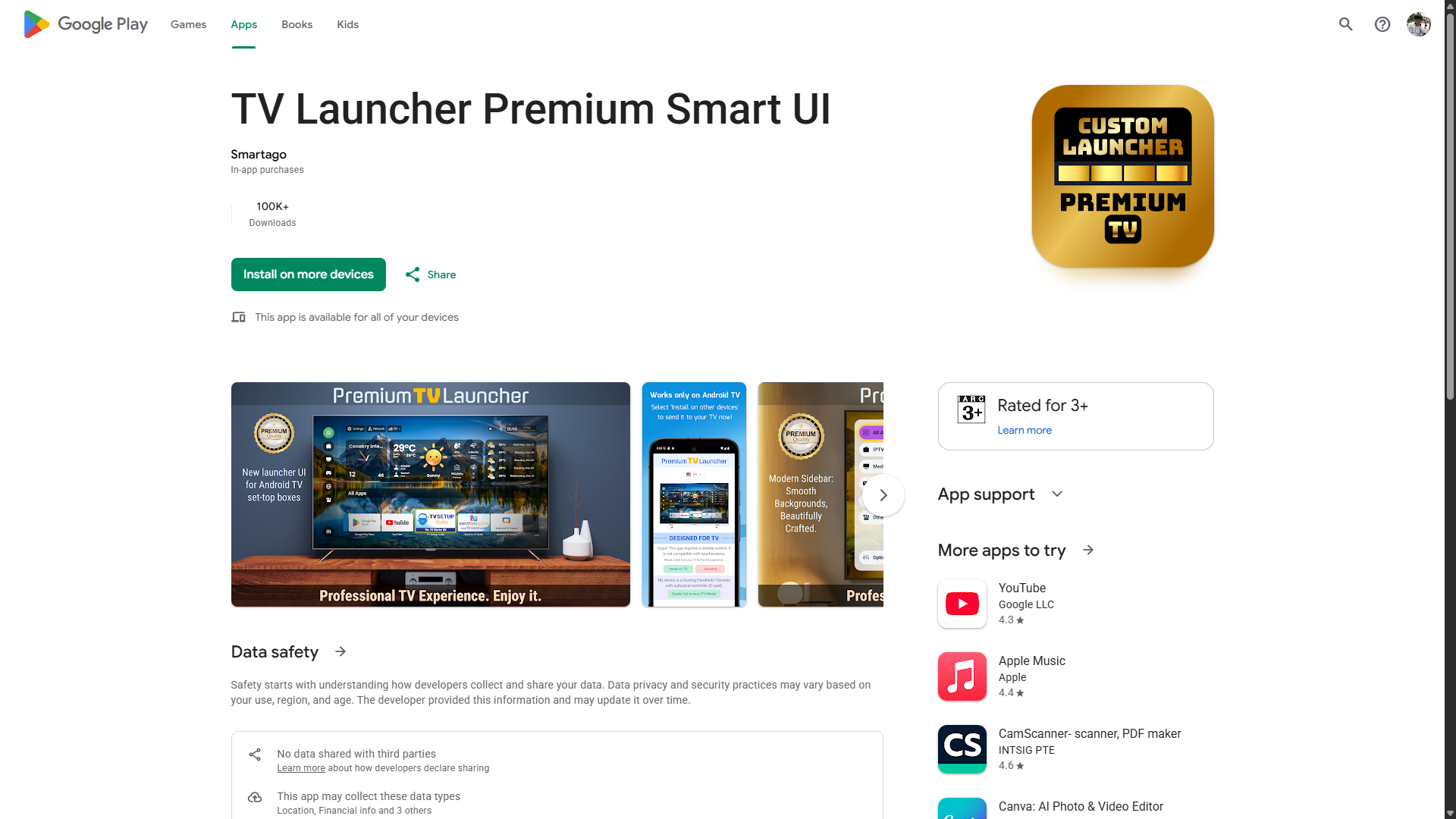
TV Launcher Premium Smart UI
A premium, ad-free Android TV launcher — zero-lag navigation, cinematic UI, parental controls, and smart dashboard widgets for TV boxes and projectors.
100k+ downloads on Google Play
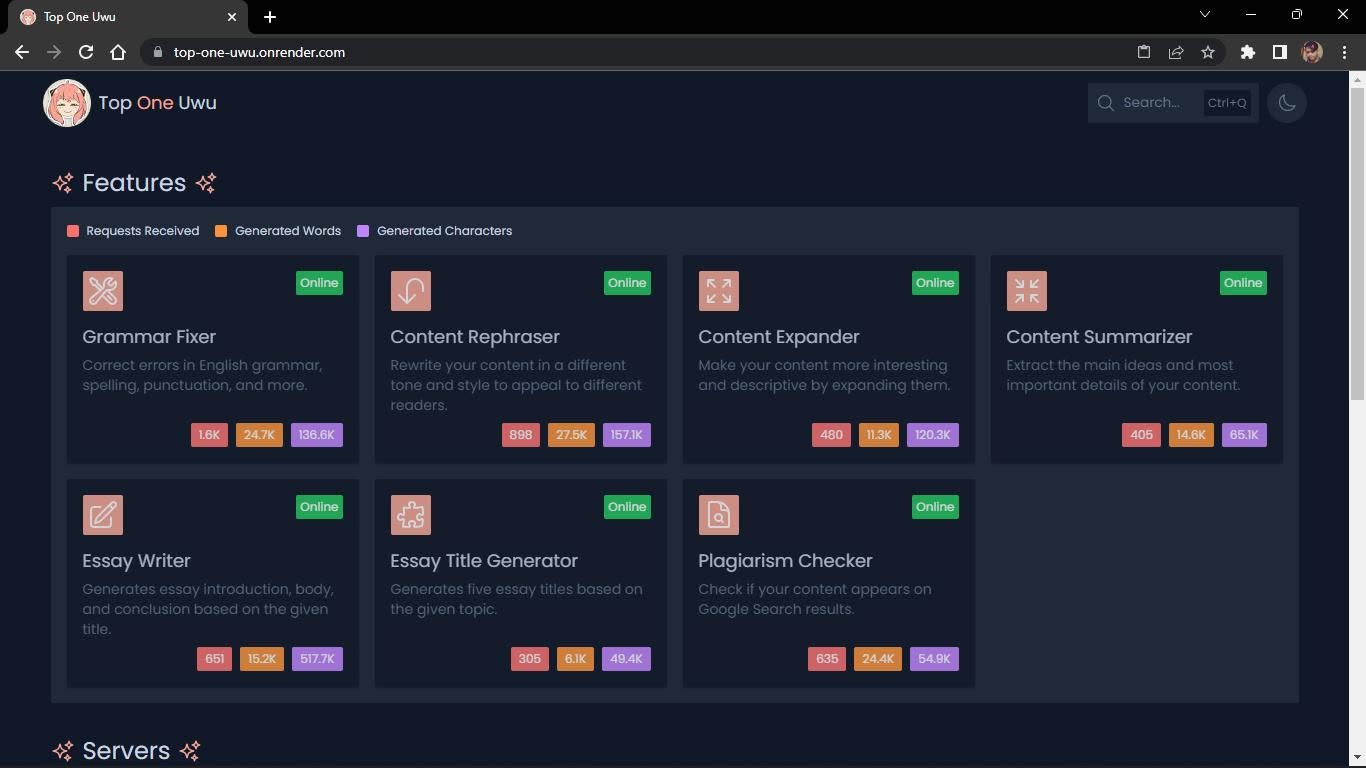
Top One Uwu
Free AI-powered writing assistant for everyone — featured in Inquirer.net.
Featured in Inquirer.net & CLTV36
Still live
Small tools I've shipped
Free browser tools and Chrome extensions — all private, no uploads, no accounts.
Image Resizer
Resize, crop, and convert images in your browser. Batch processing, presets, and zero uploads.
Image Compressor
Compress PNG, JPEG, and WebP images up to 90% smaller. Batch processing, target size mode, and before/after preview.
Color Picker
Pick colors from any webpage. HEX, RGB, HSL, OKLCH formats. Color harmonies, WCAG contrast checker, color blindness simulation, and shade generator.
Sound Booster
Boost audio beyond 100% on any tab. Per-tab volume up to 600%, 5-band equalizer, presets, keyboard shortcuts.
HTML Editor
Write HTML, CSS, and JavaScript with live preview, Prettier formatting, inline error detection, Emmet support, and responsive device preview. 100% client-side.
Skills
What I work with
Frontend
Backend
Mobile
Hosting & DevOps
AI & APIs




About
This is my portfolio.
I'm Arben Apura, a full-stack developer from the Philippines. Inside you'll find projects I've shipped, tools I keep live, and blog posts on how they were built.
Let's build something.
Get in Touch