Skip to content
2025 Web · Android Live

Send to TV Web-to-TV Installer

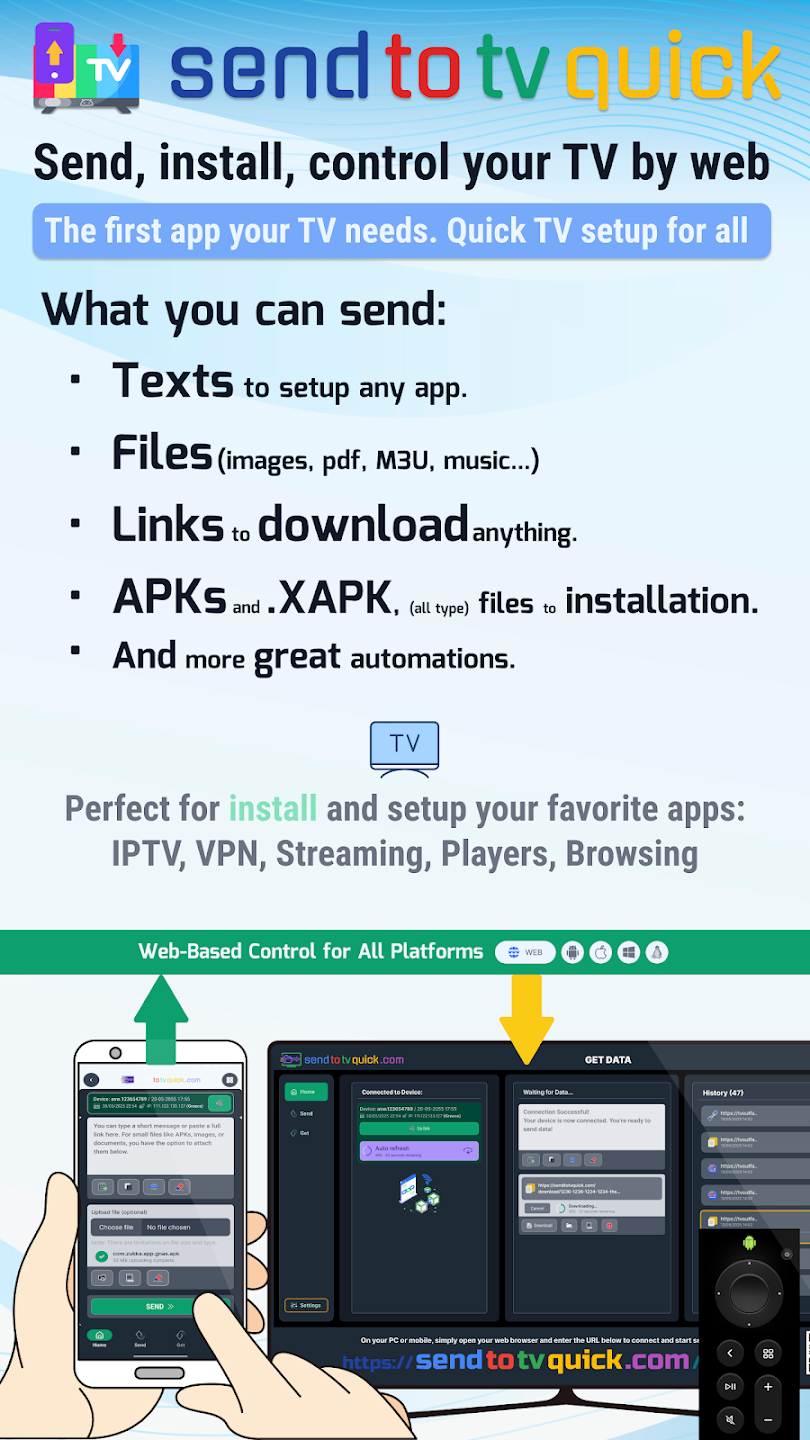
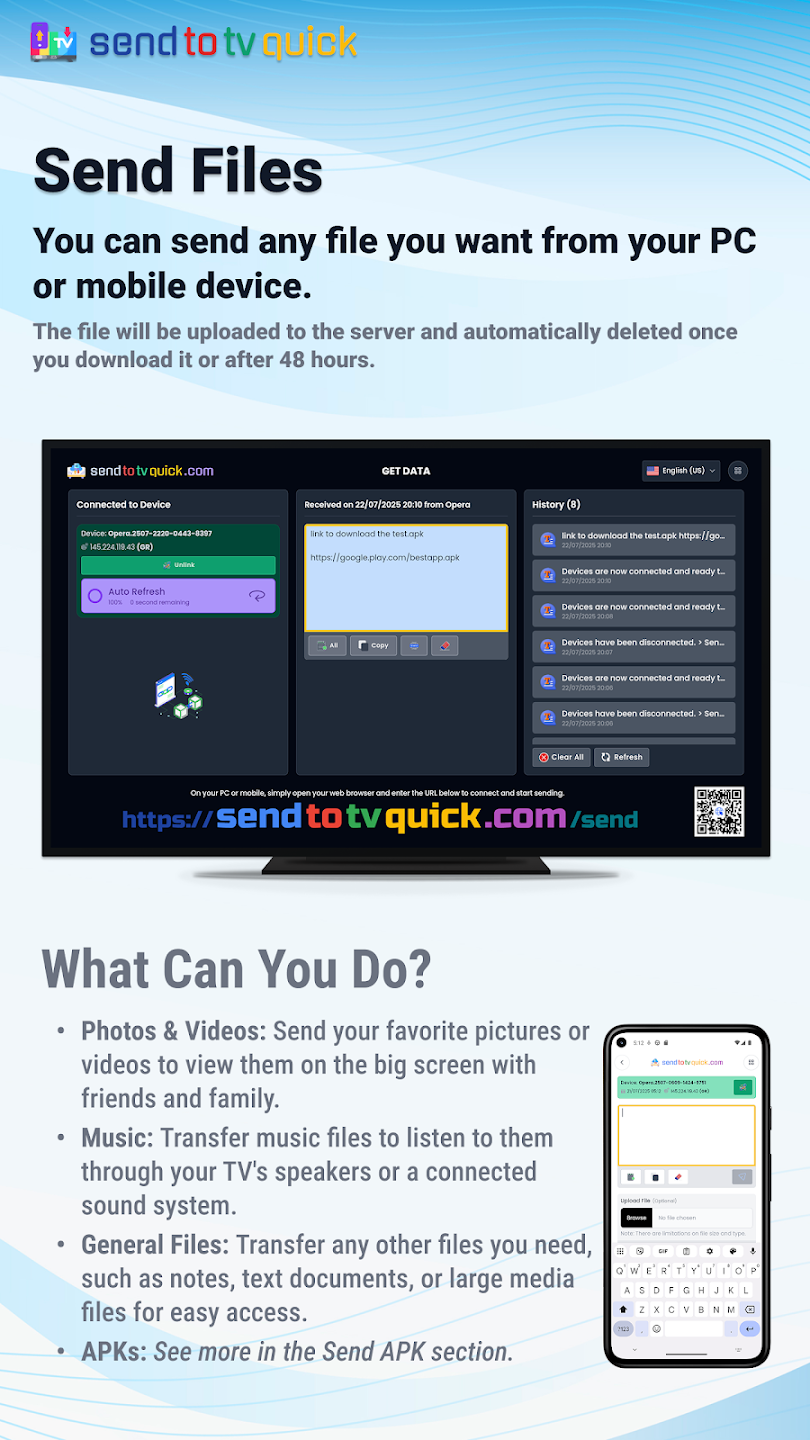
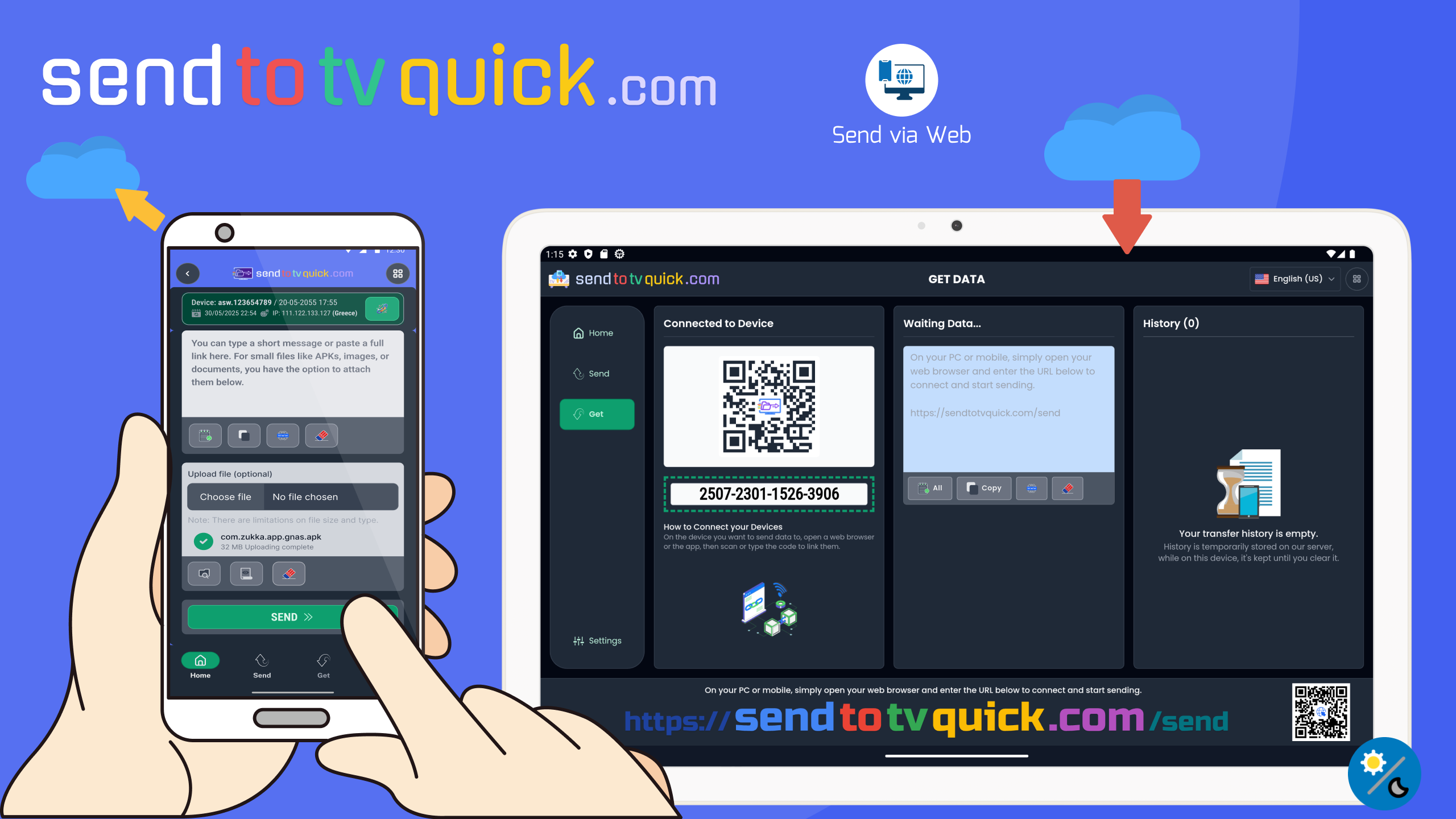
A next-generation sideloading utility for Android TV, Google TV, and Fire TV — control everything from your phone or PC browser through a secure cloud bridge. Move the interface off the TV remote: paste URLs, push files, sync your clipboard, and install split APKs without both devices on the same Wi-Fi. Passed 50k+ downloads. Based on the client’s Figma designs and vision, I managed the entire development of this app.

50k+ downloads on Google Play
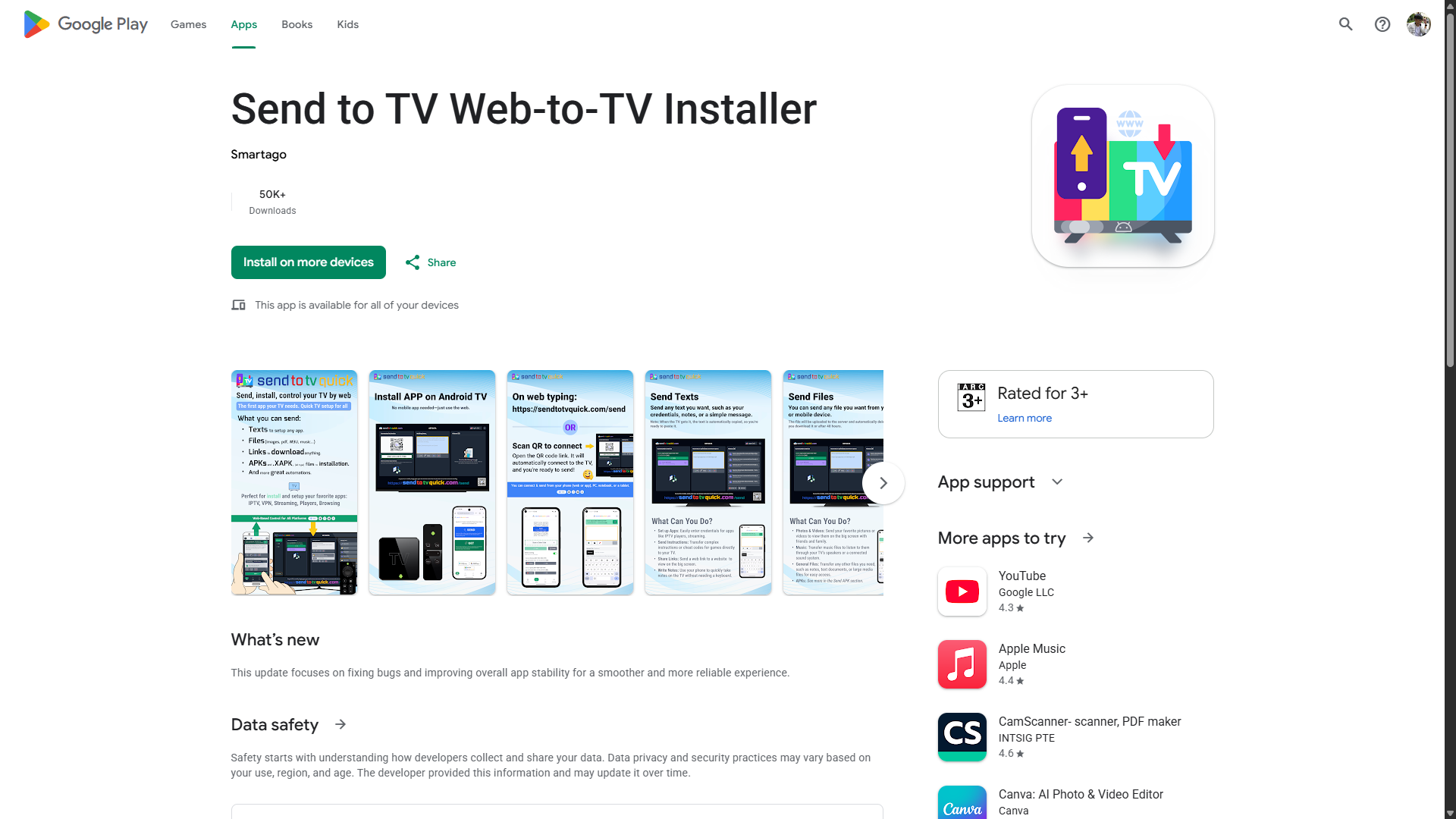
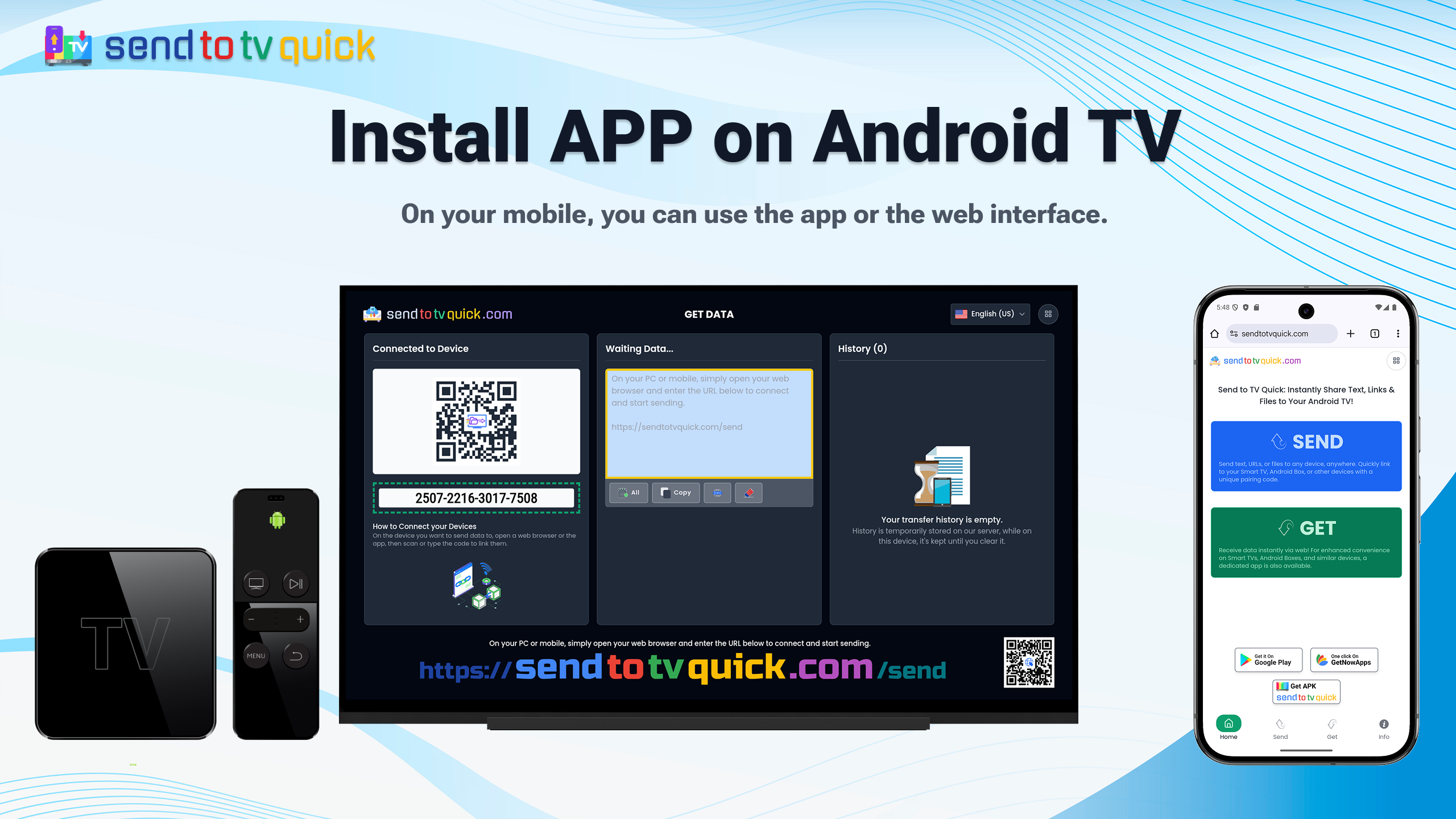
Send to TV Web-to-TV Installer screenshot

The problem

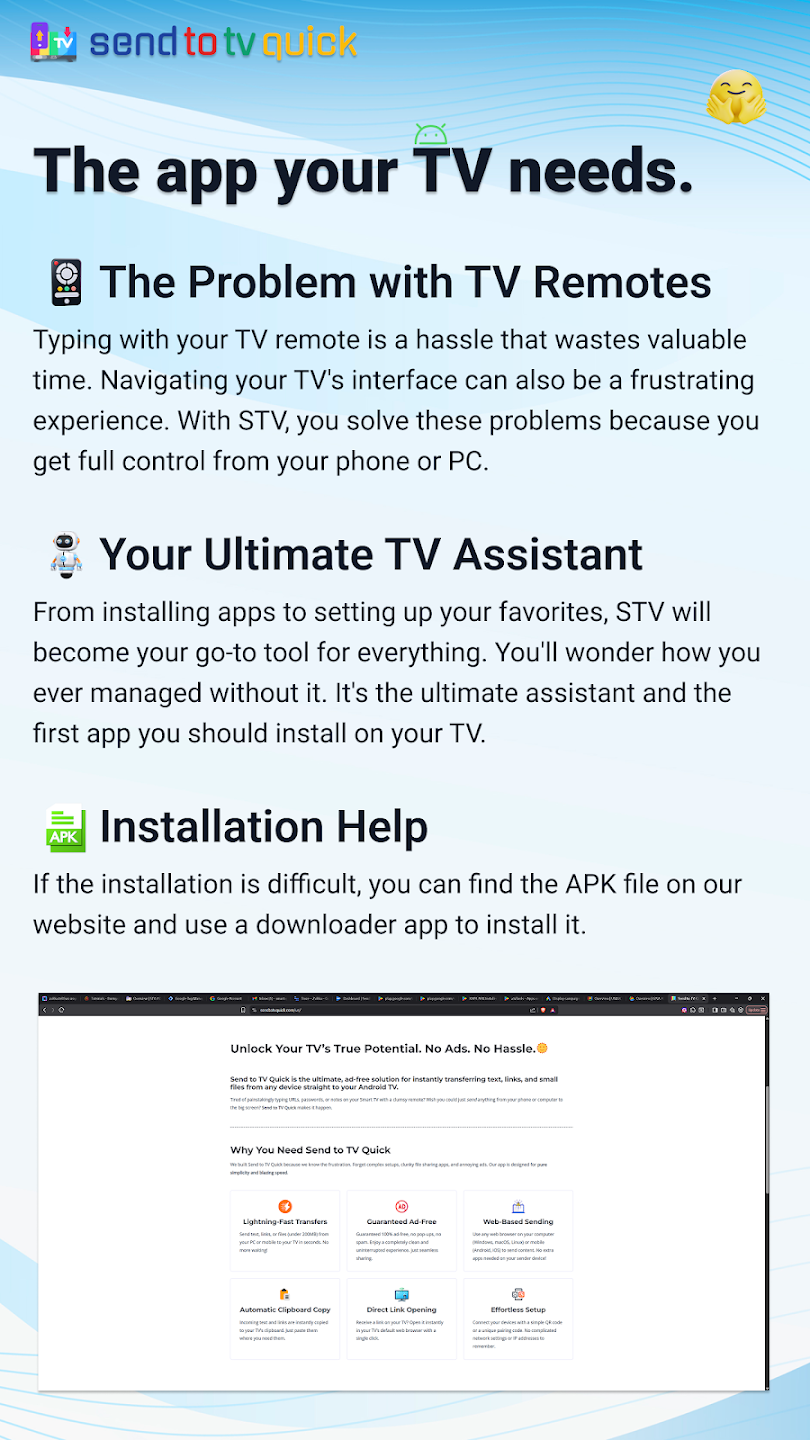
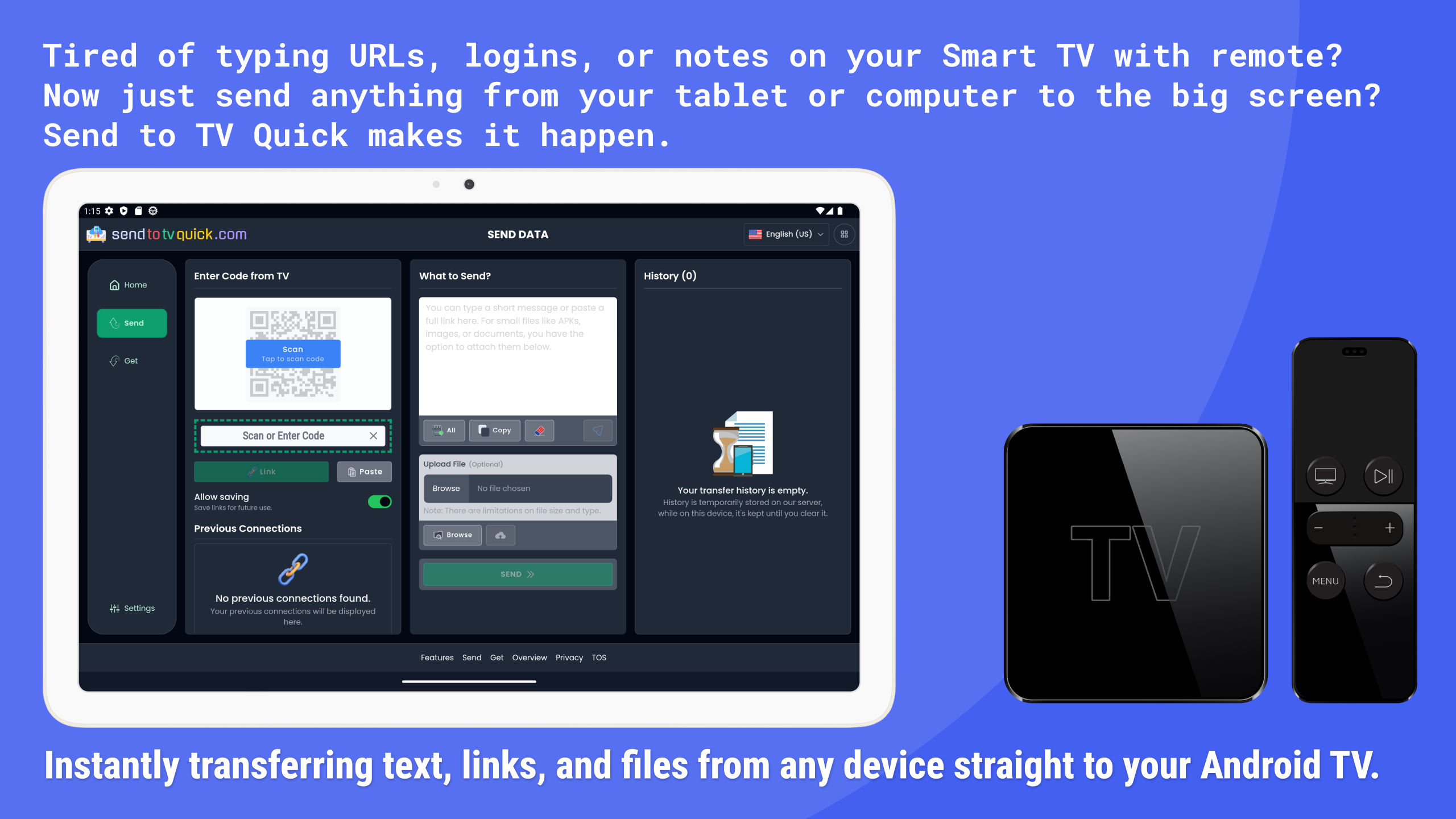
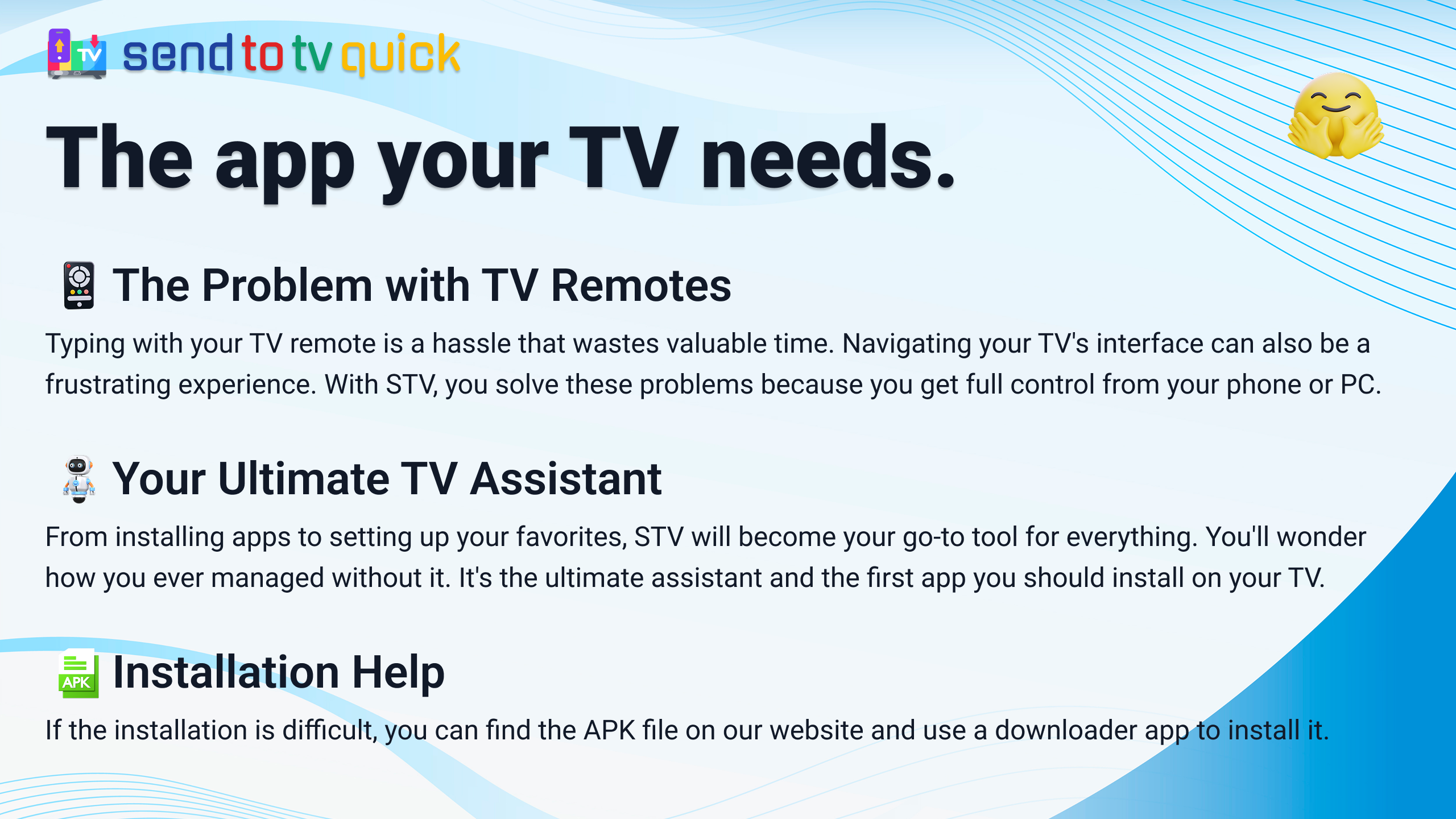
Classic "Downloader" tools force you to type shortcodes or URLs with a TV remote — slow and painful. Installing XAPK and split packages is still fragmented, and other send-to-TV tools (Send Files to TV, LocalSend) require apps on both devices plus the same Wi-Fi network.

The solution

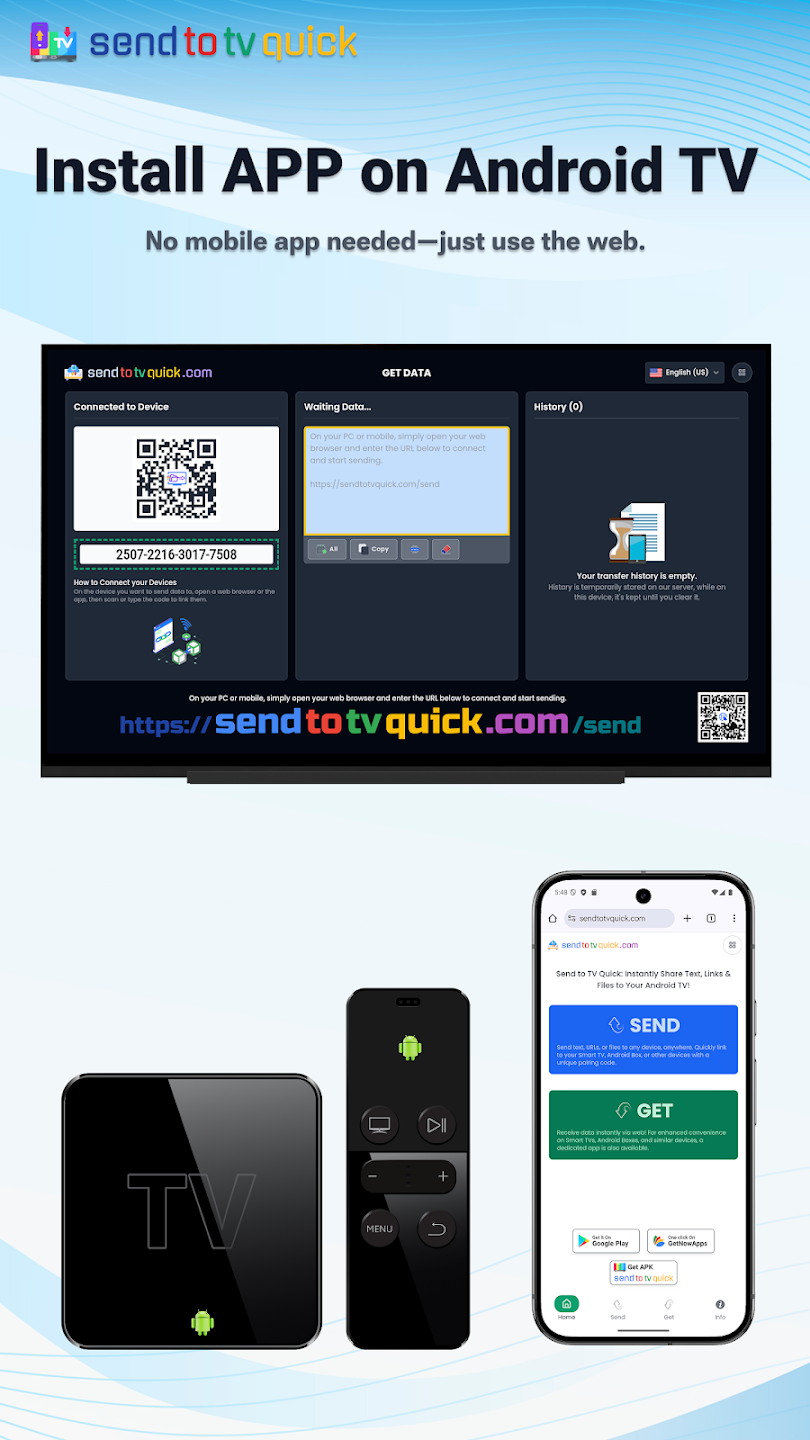
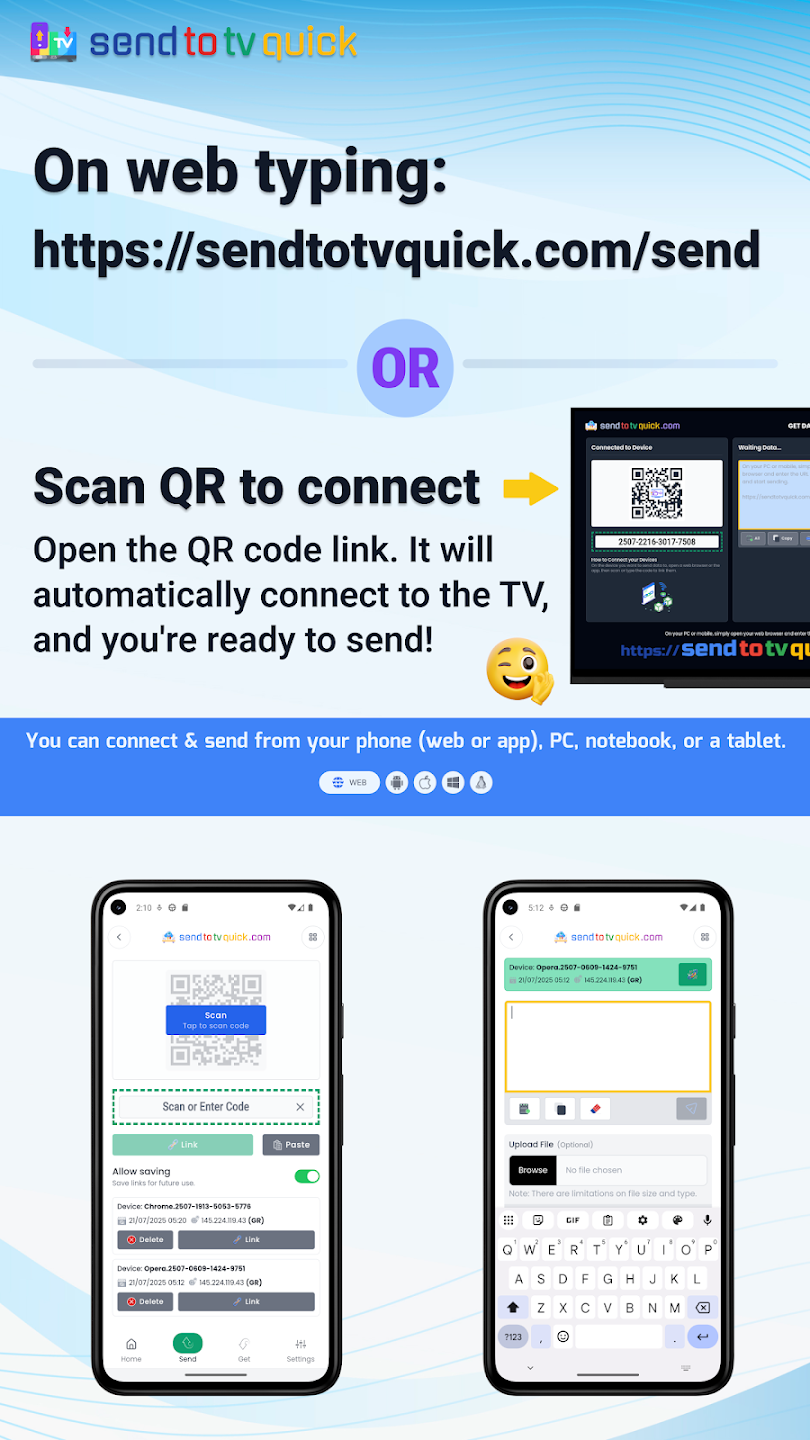
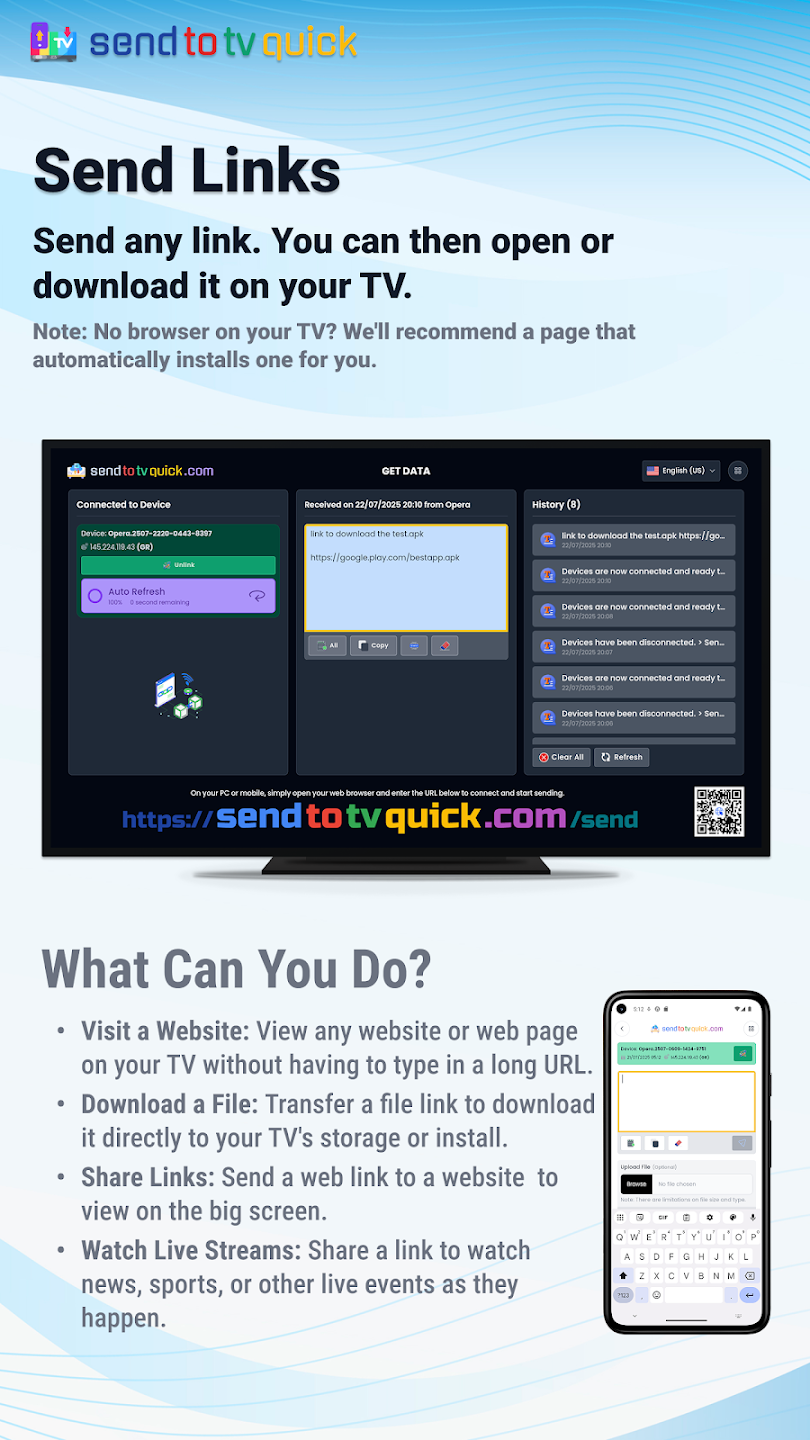
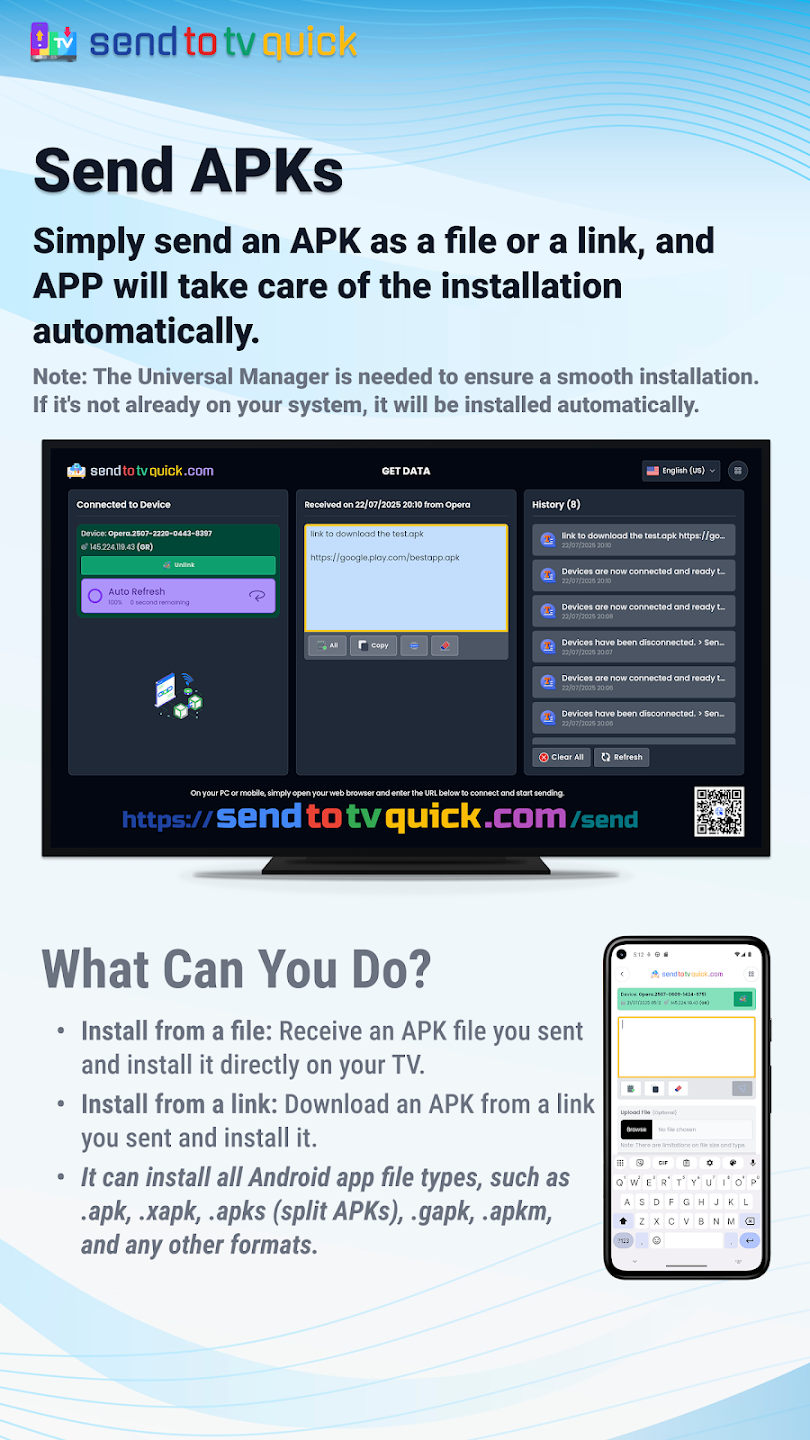
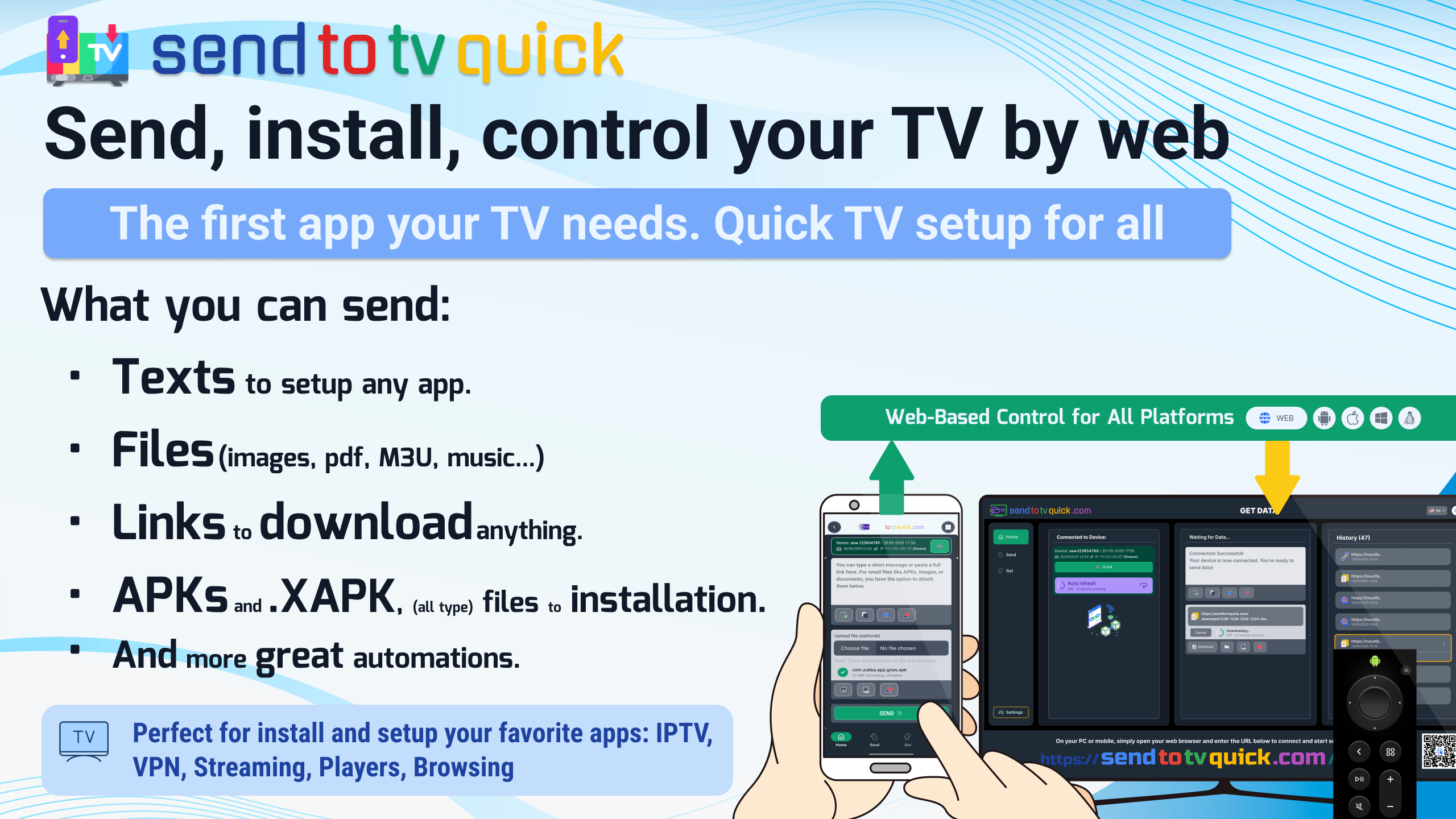
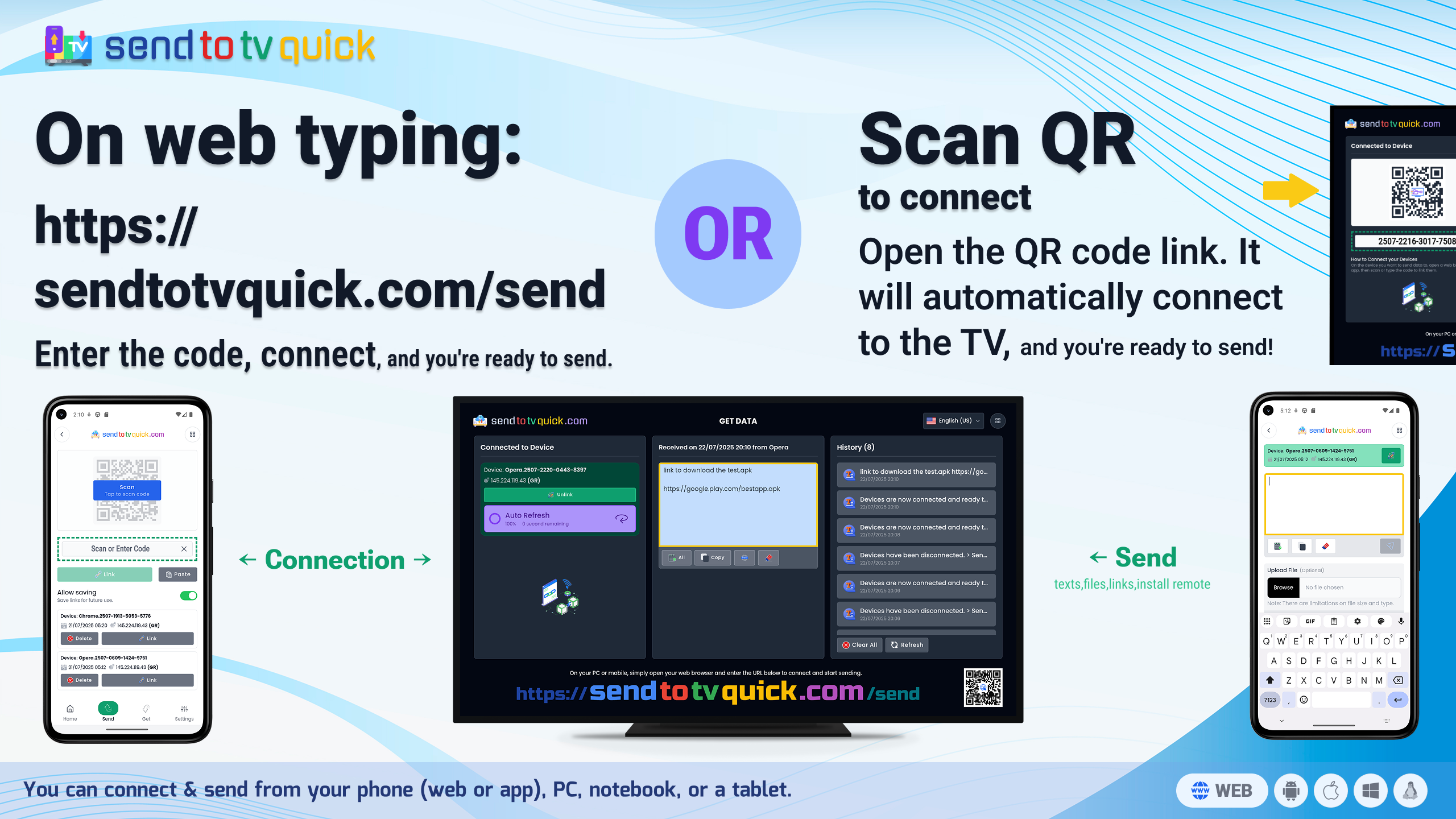
A zero-footprint cloud bridge: open sendtotvquick.com on any device with a browser (iOS, Windows, Mac, Linux, Android), paste a download URL (APK, ZIP, M3U), and the TV downloads and installs it instantly — from any network. Includes a native XAPK/APKS/APKM installer engine, remote clipboard sync for IPTV credentials and long M3U playlists, and full Shortcodes compatibility. Ad-free, no in-app purchases, HTTPS-encrypted, and files are automatically purged.

Key features

1 Web-to-TV: control downloads from any phone or PC browser
2 Direct URL injection — paste APK, ZIP, or M3U links; the TV downloads and installs instantly
3 Works across networks via a secure cloud bridge (no same-Wi-Fi requirement)
4 Native XAPK, APKS, and APKM installer engine
5 Auto-detects whether a file is an app or media and triggers the right action
6 Shortcodes compatible, with raw-link support (no codes needed)
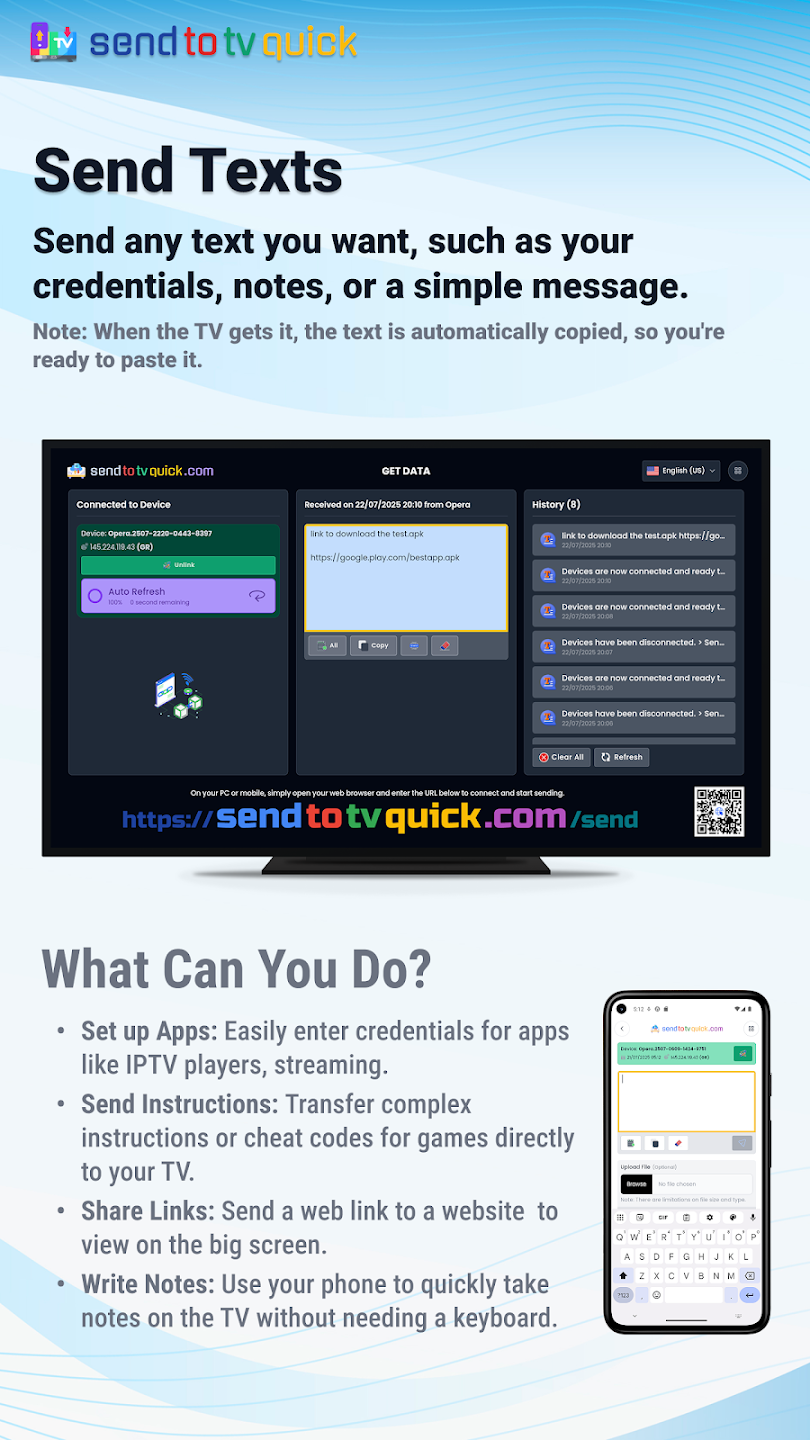
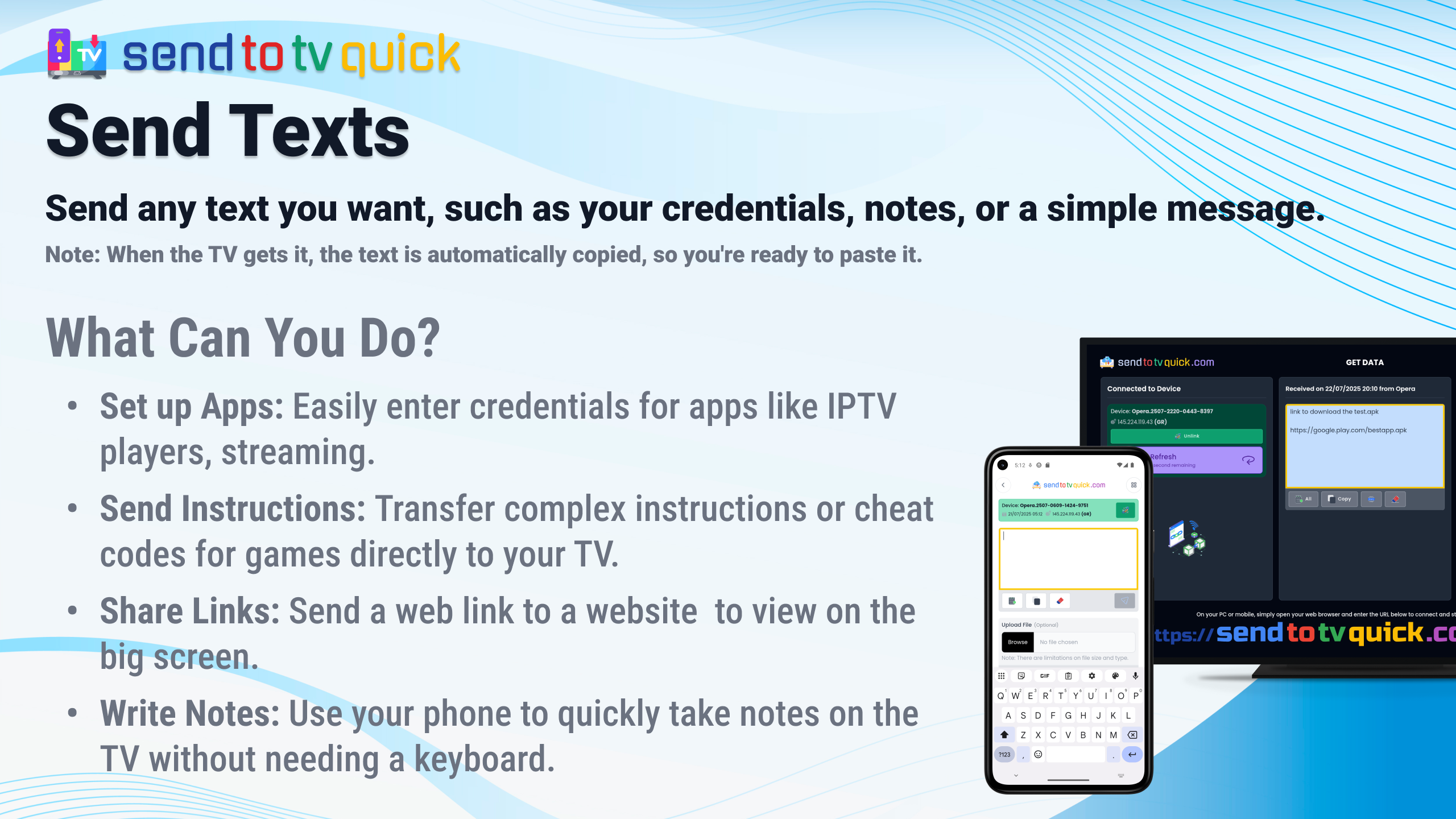
7 Remote clipboard sync — push M3U playlists, Xtream codes, API keys, and passwords to the TV
8 Cross-platform sender: iOS, Windows, Mac, Linux, or Android
9 Zero-footprint — no sender app to install on your phone
10 100% ad-free with no in-app purchases — all features unlocked
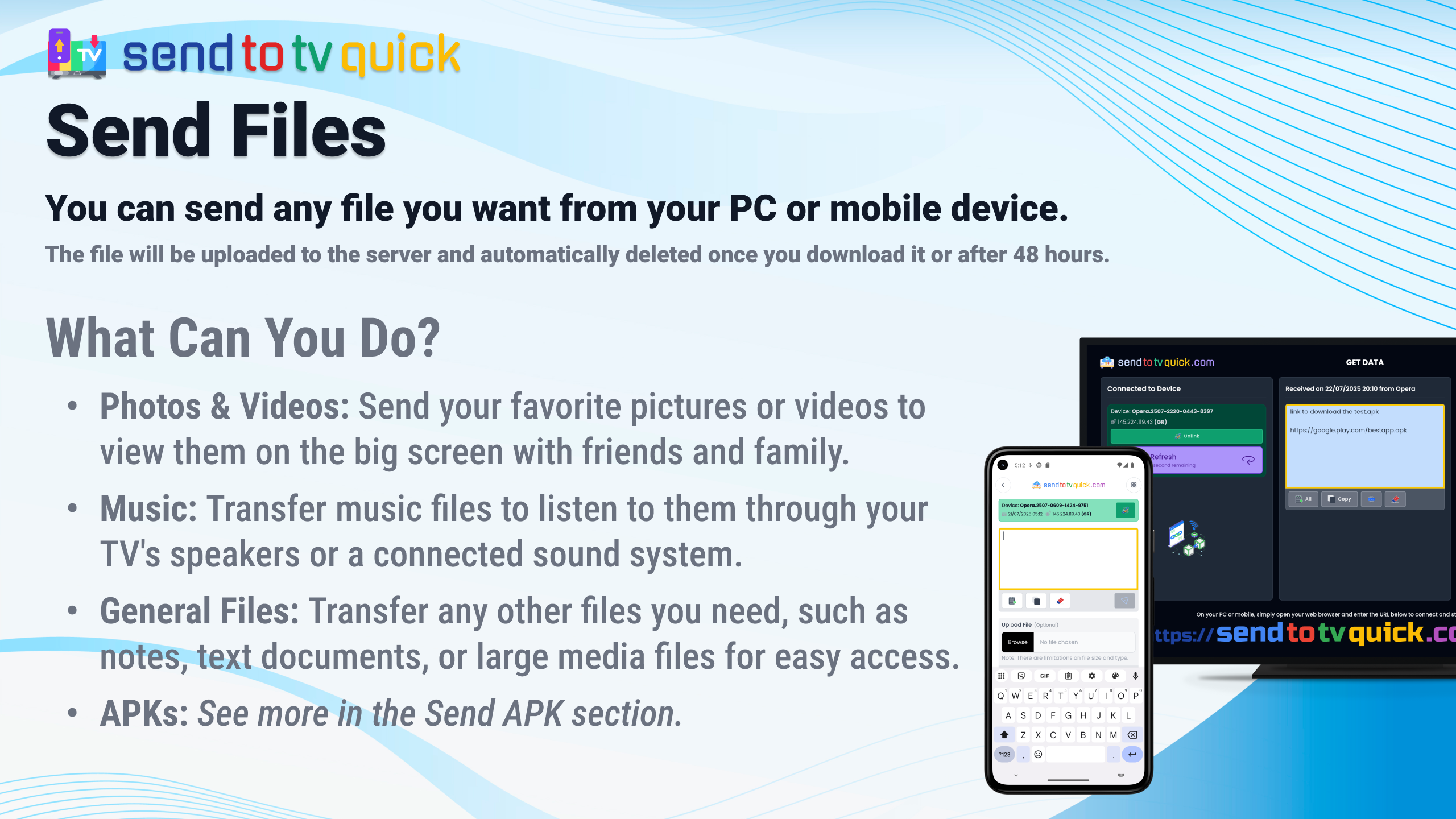
11 HTTPS-encrypted transfer; files are automatically purged

What I learned

1 Cloud-bridge architecture — a zero-footprint sender that works across networks without a paired app
2 Web-to-TV control — URL injection and clipboard sync from a phone browser to a TV
3 Privacy by design — HTTPS in transit and automatic file purging
4 One product, two surfaces — a web app and an Android app sharing the same core

Tech stack

Svelte 5 SvelteKit 2 TypeScript Tailwind CSS Vite Capacitor 7 (Android)

Screenshots

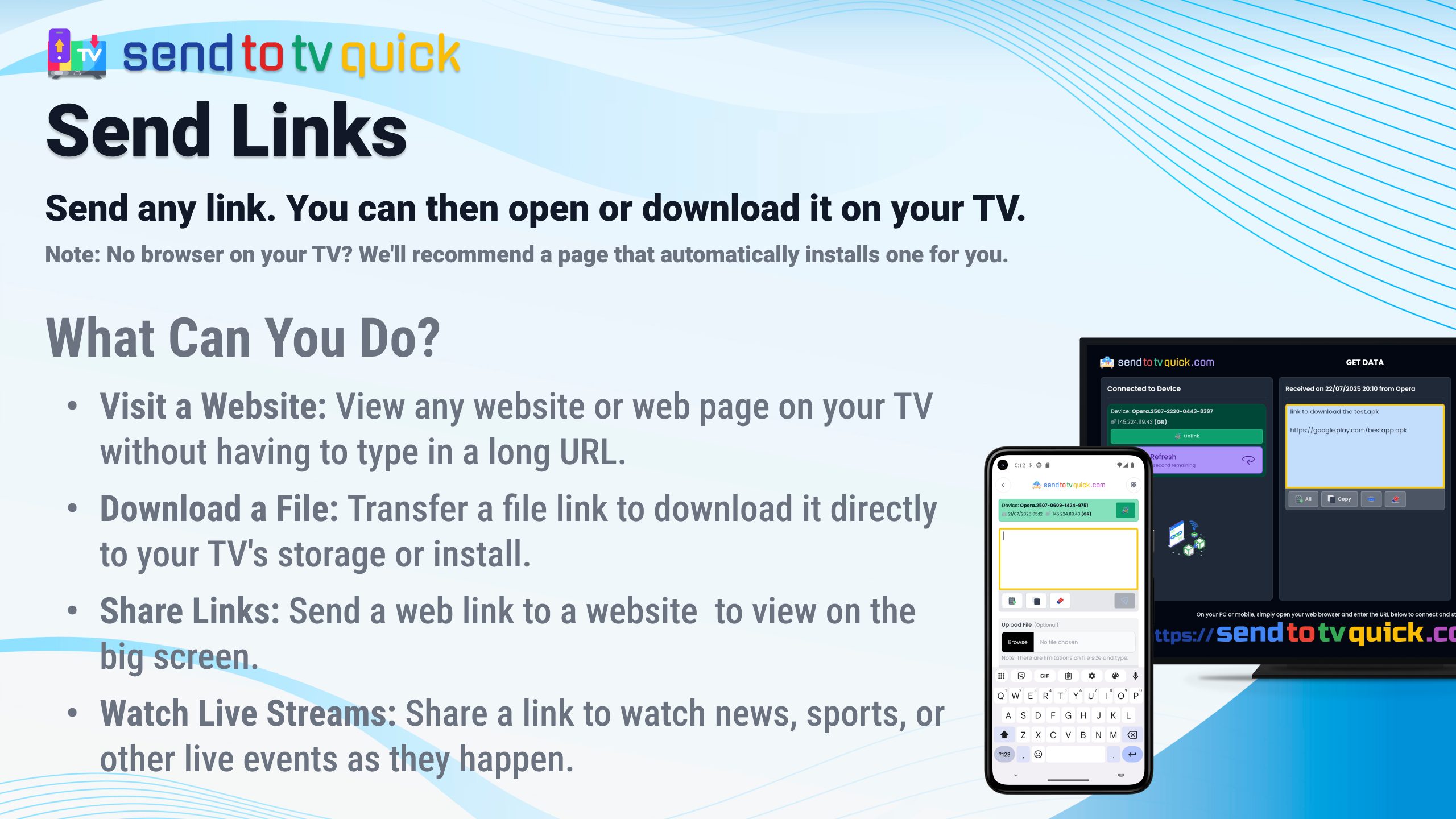
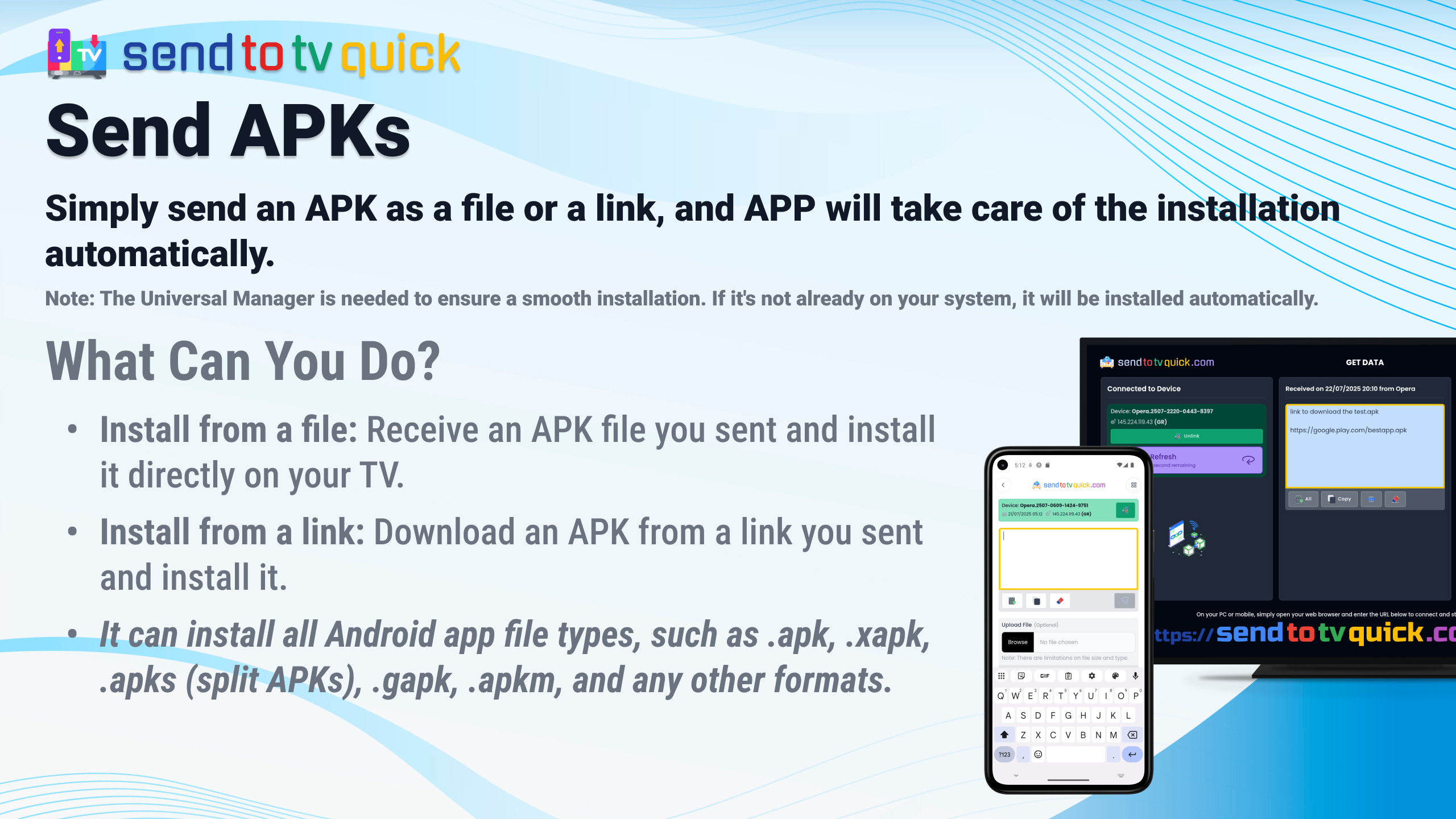
Send to TV Web-to-TV Installer screenshot 1Send to TV Web-to-TV Installer screenshot 2Send to TV Web-to-TV Installer screenshot 3Send to TV Web-to-TV Installer screenshot 4Send to TV Web-to-TV Installer screenshot 5Send to TV Web-to-TV Installer screenshot 6Send to TV Web-to-TV Installer screenshot 7Send to TV Web-to-TV Installer screenshot 8Send to TV Web-to-TV Installer screenshot 9Send to TV Web-to-TV Installer screenshot 10Send to TV Web-to-TV Installer screenshot 11Send to TV Web-to-TV Installer screenshot 12Send to TV Web-to-TV Installer screenshot 13Send to TV Web-to-TV Installer screenshot 14Send to TV Web-to-TV Installer screenshot 15Send to TV Web-to-TV Installer screenshot 16Send to TV Web-to-TV Installer screenshot 17Send to TV Web-to-TV Installer screenshot 18