Skip to content
2025 Android TV Live

TV Launcher Premium Smart UI

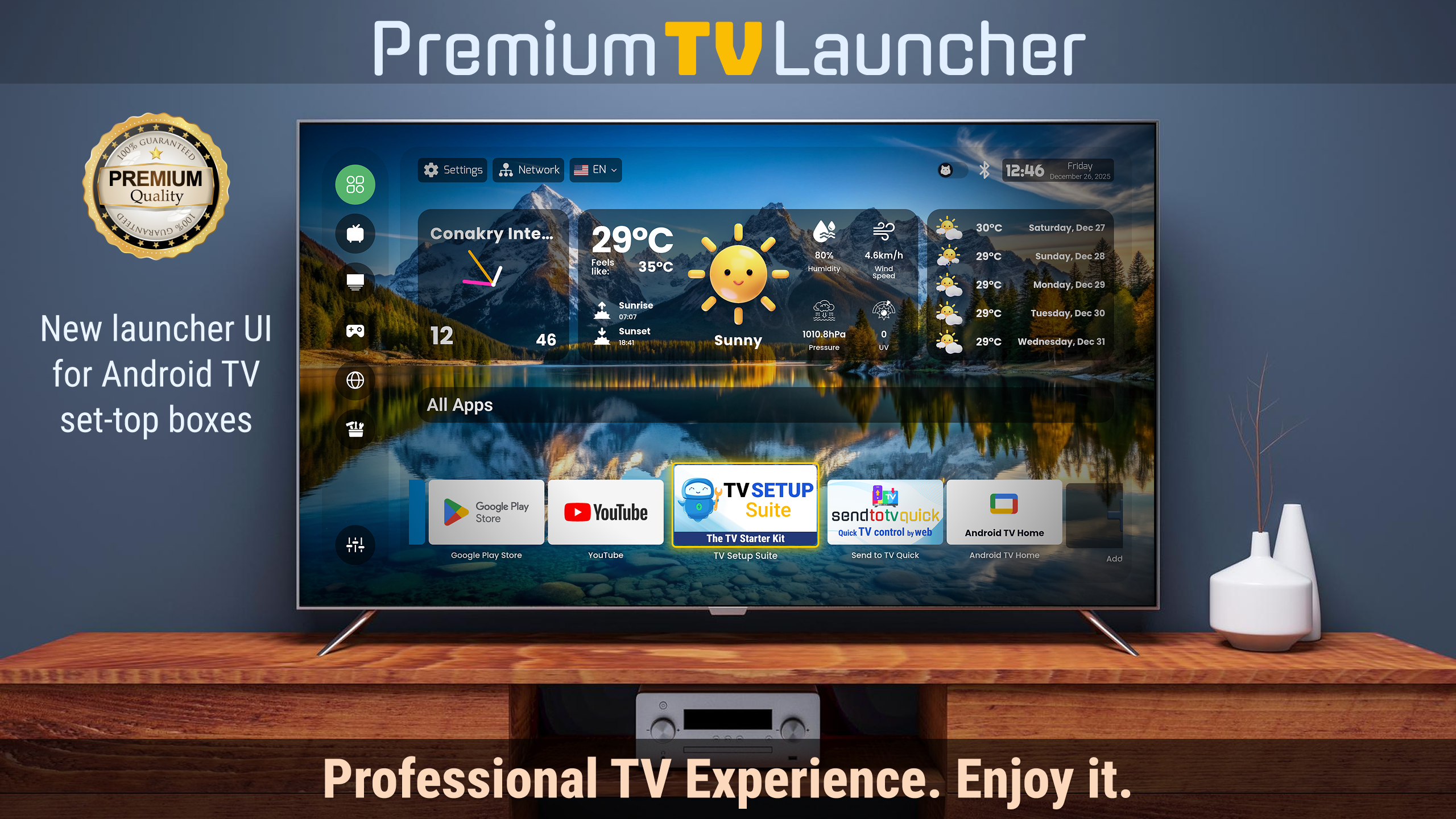
A premium Android TV launcher shipped to the Google Play Store — a zero-lag home screen that replaces stock launchers on TV boxes, projectors, and Fire TV. Passed 100k+ downloads. Based on the client’s Figma designs and vision, I managed the entire development of this app.

100k+ downloads on Google Play
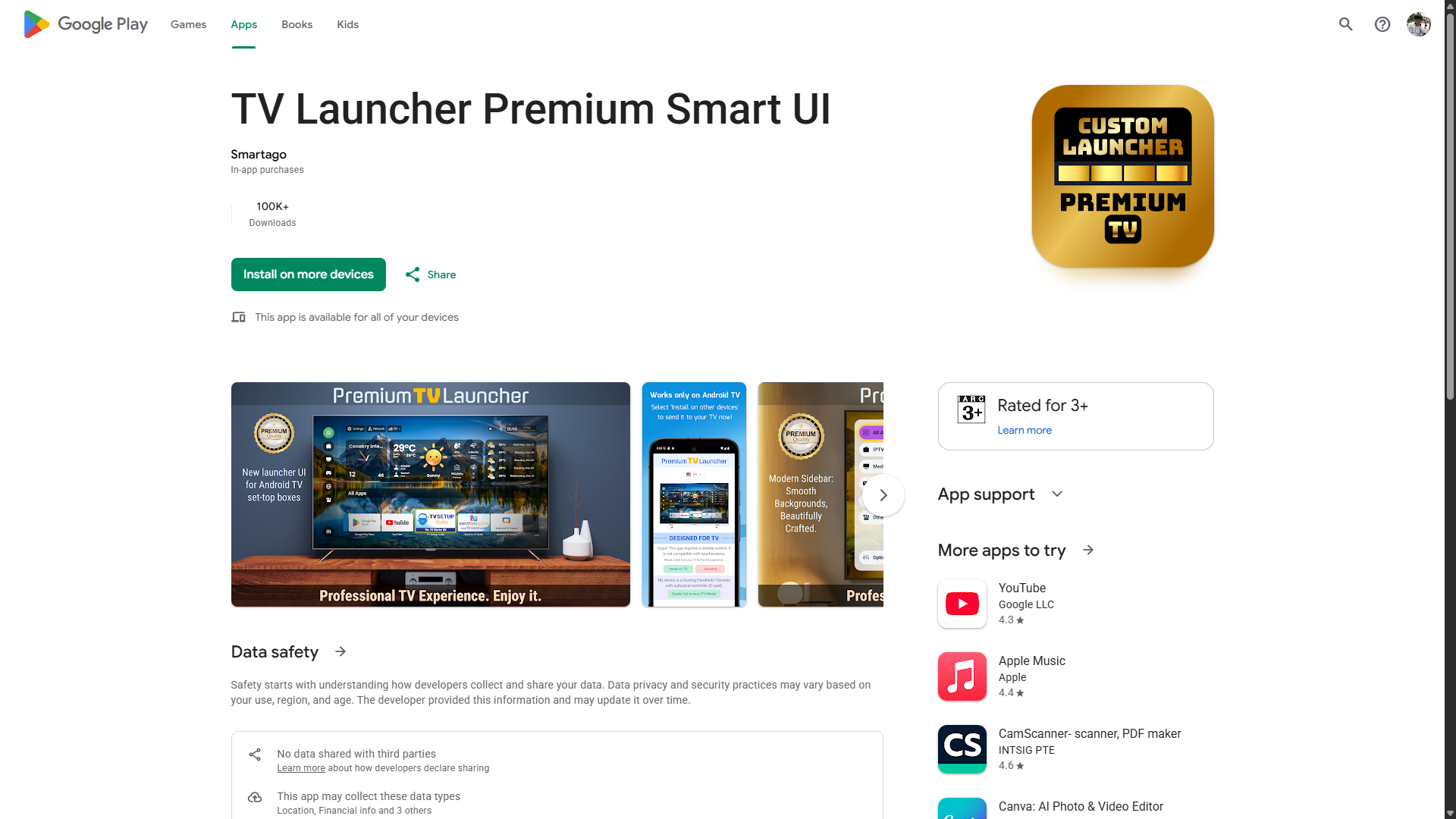
TV Launcher Premium Smart UI screenshot

The problem

Budget Android TV boxes come with slow, cluttered stock launchers full of bloatware — dated visuals, no parental controls, hidden sideloaded apps, and nothing to customize. Projector users and families (seniors, kids) get an interface that is hard to read and hard to navigate.

The solution

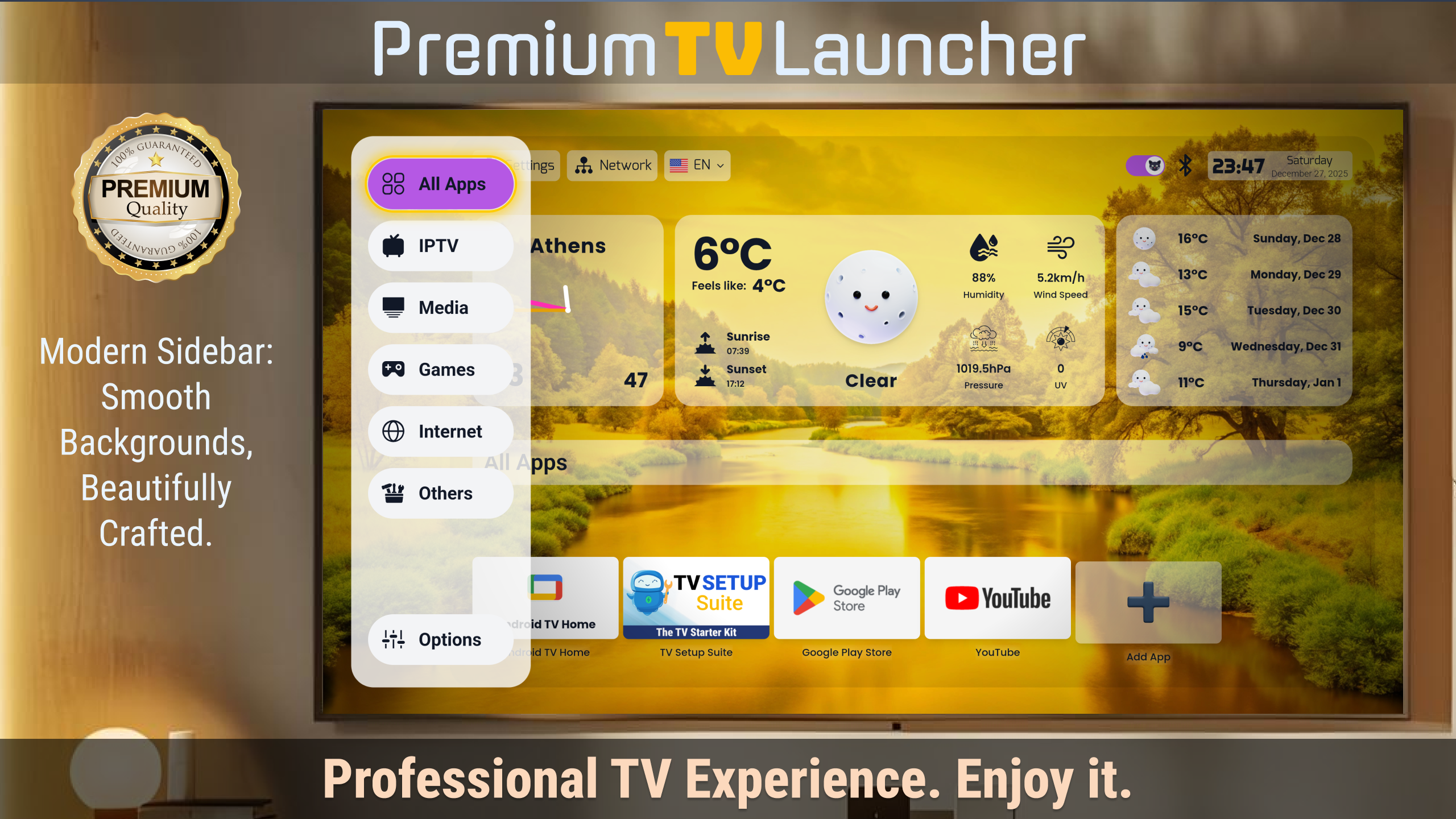
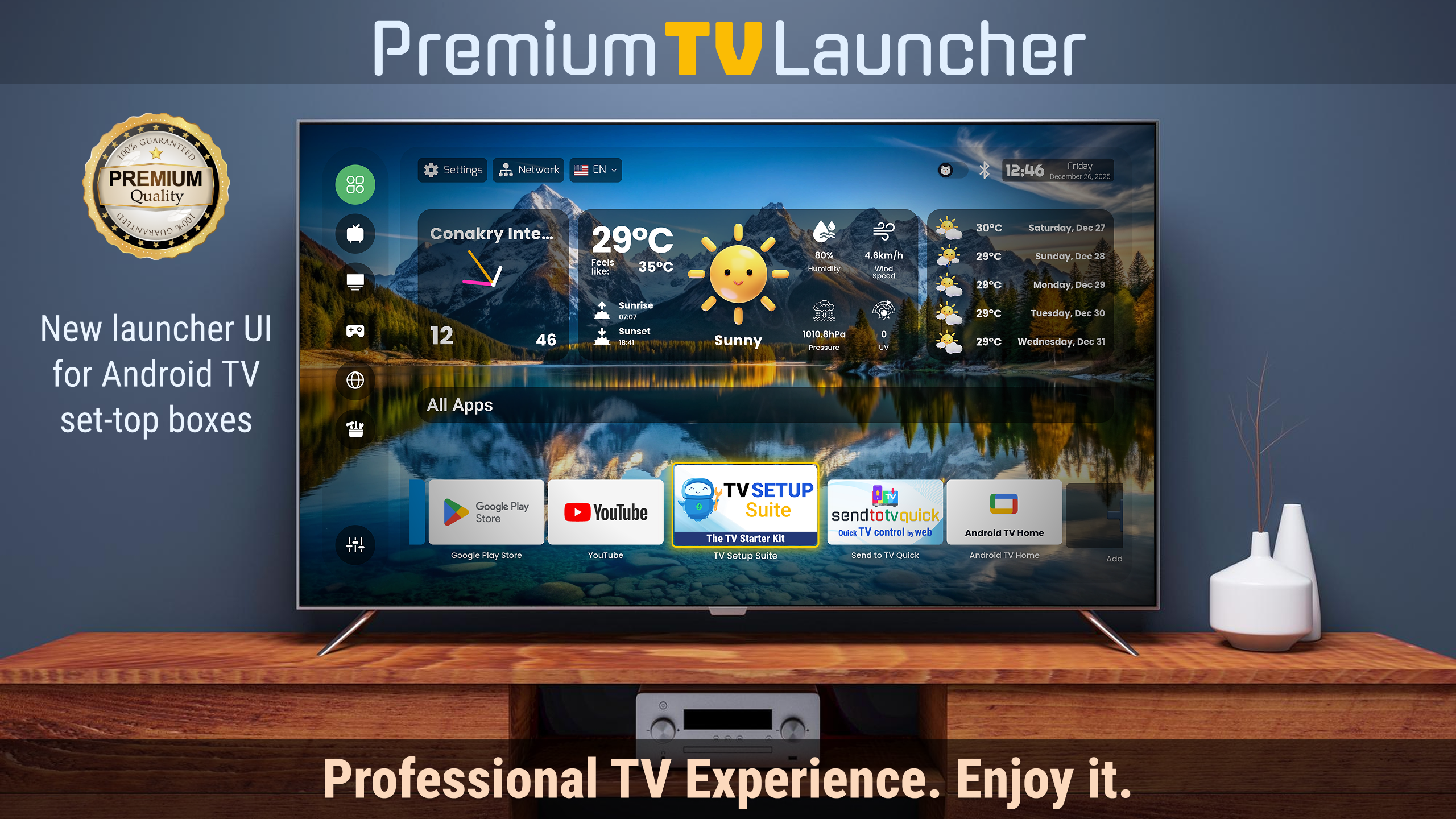
A cinematic, ad-free launcher with a zero-lag engine, curated wallpapers, customizable icons, PIN-based app and category locks, smart dashboard widgets (weather, gamepad battery, system health), automatic app categorization, projector mode, and HDMI/AV input switching — running on ARMv7, ARM64, and x86 devices with no tracking and no ads.

Key features

1 Zero-lag engine — instant navigation on low-end TV boxes
2 Minimalist cinematic UI with curated wallpapers
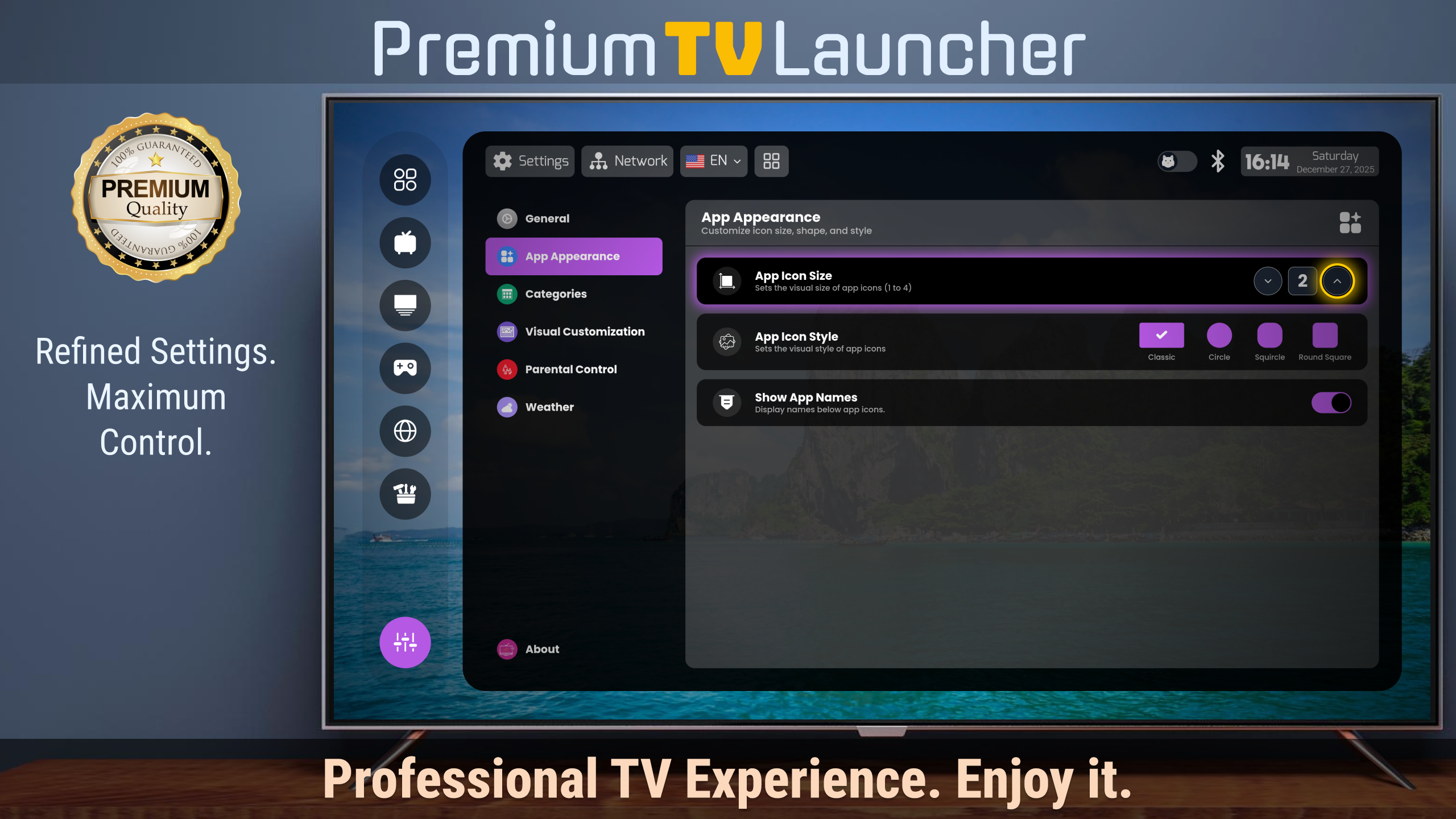
3 Icon customization — circle, square, or rounded shapes; large or small scale
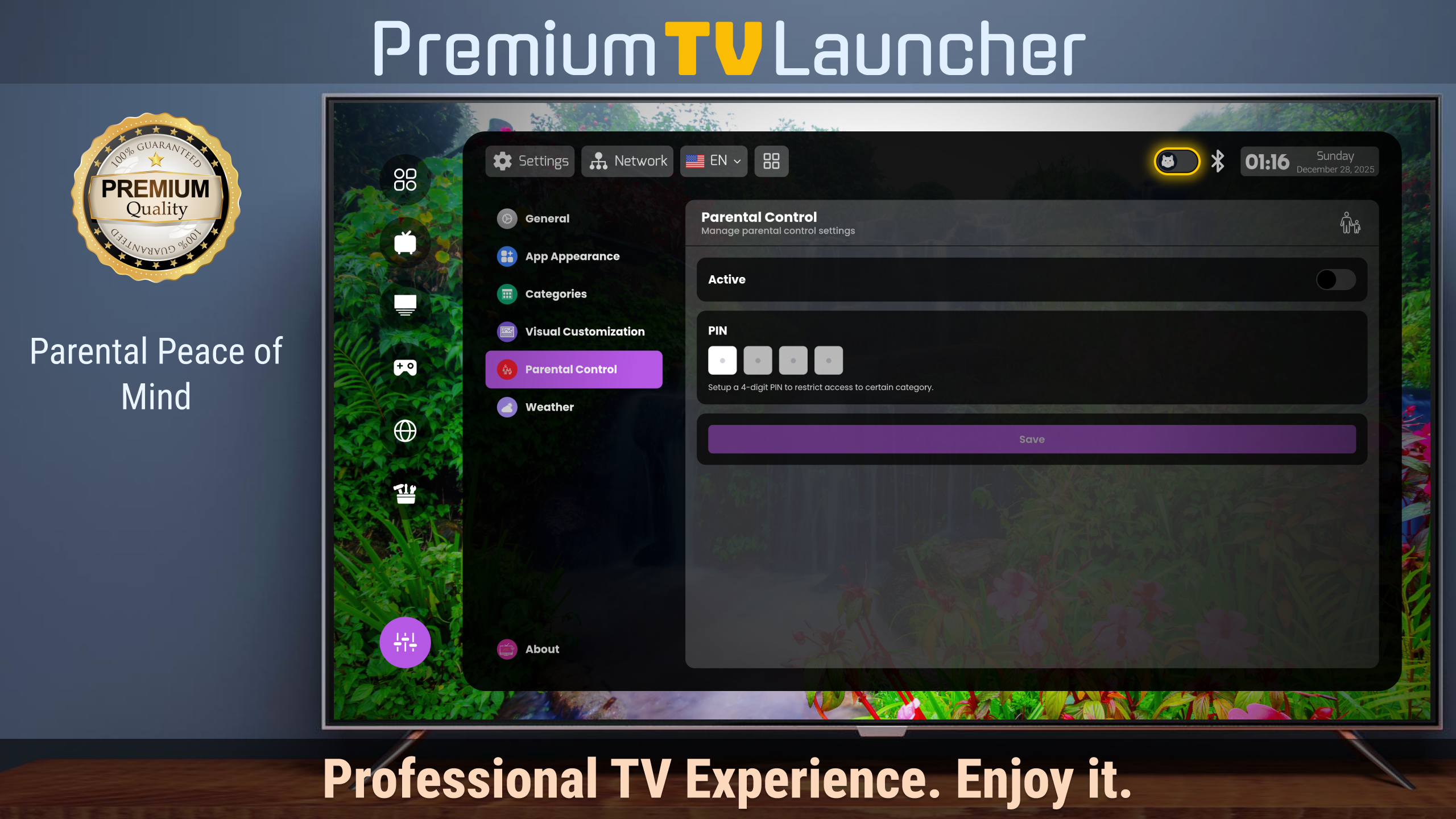
4 PIN-based app lock and category lock for parental control
5 Live weather widget with automatic day/night switching
6 Bluetooth gamepad battery status monitor
7 Real-time RAM and storage health indicators
8 Smart auto-categorization into Video, Music, Games, and Tools
9 Custom app groups — build your own rows
10 Shows sideloaded and mobile-version apps natively
11 Projector mode with high-contrast text and simplified grids
12 HDMI/AV input switching from the home screen
13 Home button fix for restrictive OEM boxes
14 Supports ARMv7, ARM64, and x86 architectures
15 No ads, no tracking, no data collection
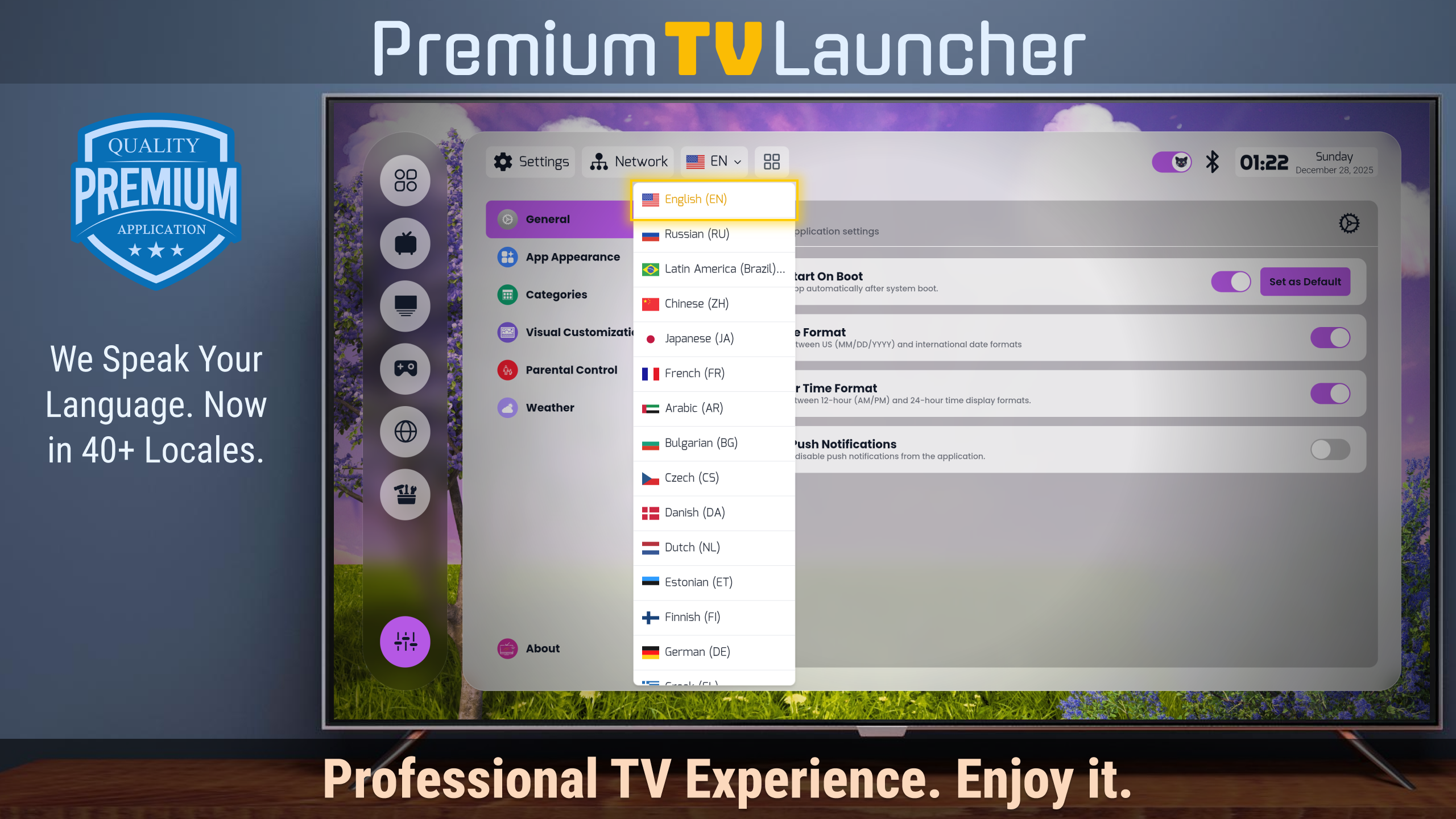
16 Multi-language localization

What I learned

1 Launcher development on Android TV — HOME-key mapping and replacing stock launchers on restrictive OEM boxes
2 Performance on cheap hardware — the "zero-lag" bar for a home screen on low-end boxes
3 Parental controls and accessibility as first-class features — PIN locks and large-text modes
4 Multi-architecture builds (ARMv7, ARM64, x86) across TV-box fragmentation

Tech stack

Svelte 5 SvelteKit 2 TypeScript Tailwind CSS Vite Capacitor 7 (Android) Google Play Billing

Screenshots

TV Launcher Premium Smart UI screenshot 1TV Launcher Premium Smart UI screenshot 2TV Launcher Premium Smart UI screenshot 3TV Launcher Premium Smart UI screenshot 4TV Launcher Premium Smart UI screenshot 5TV Launcher Premium Smart UI screenshot 6